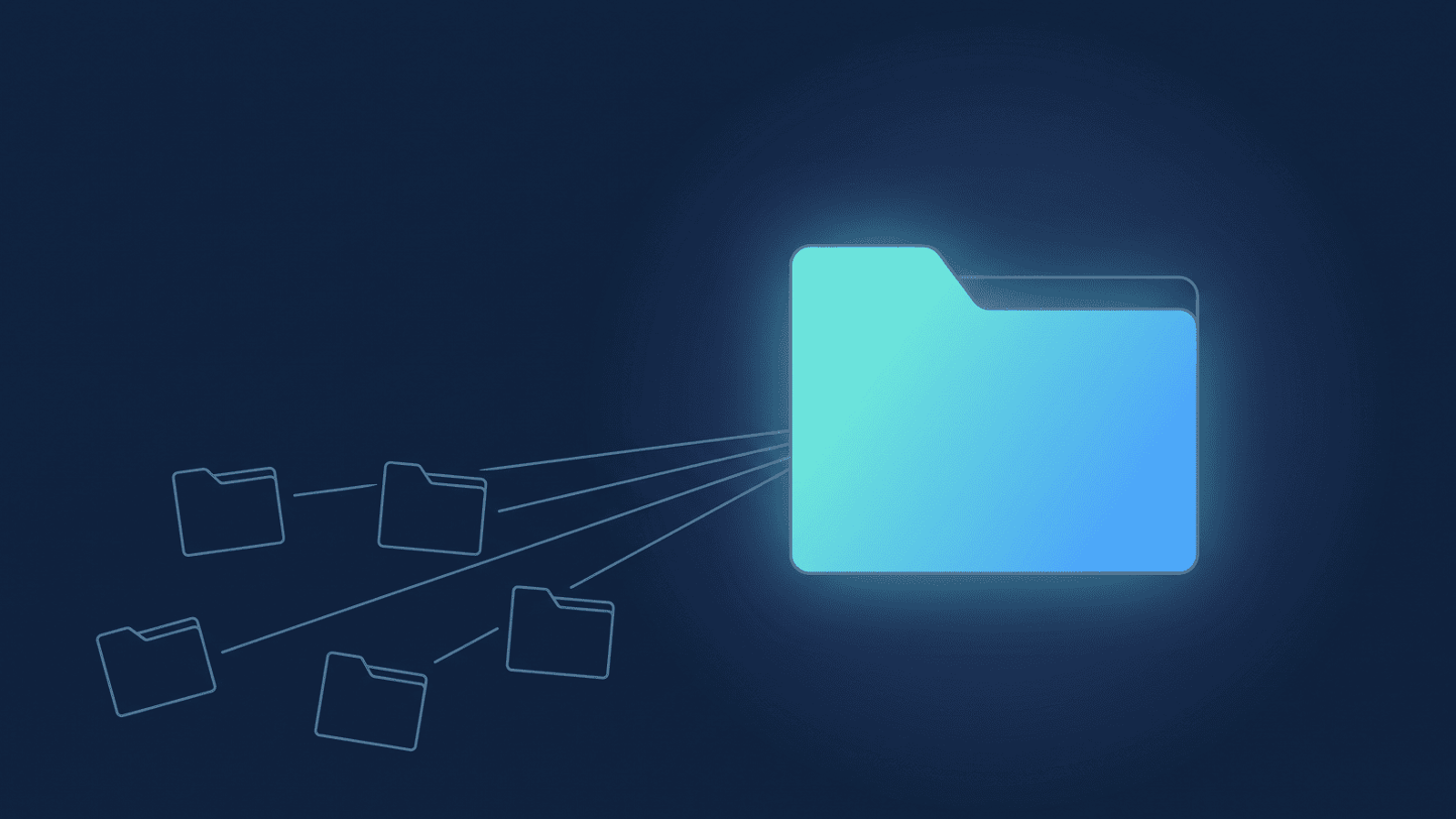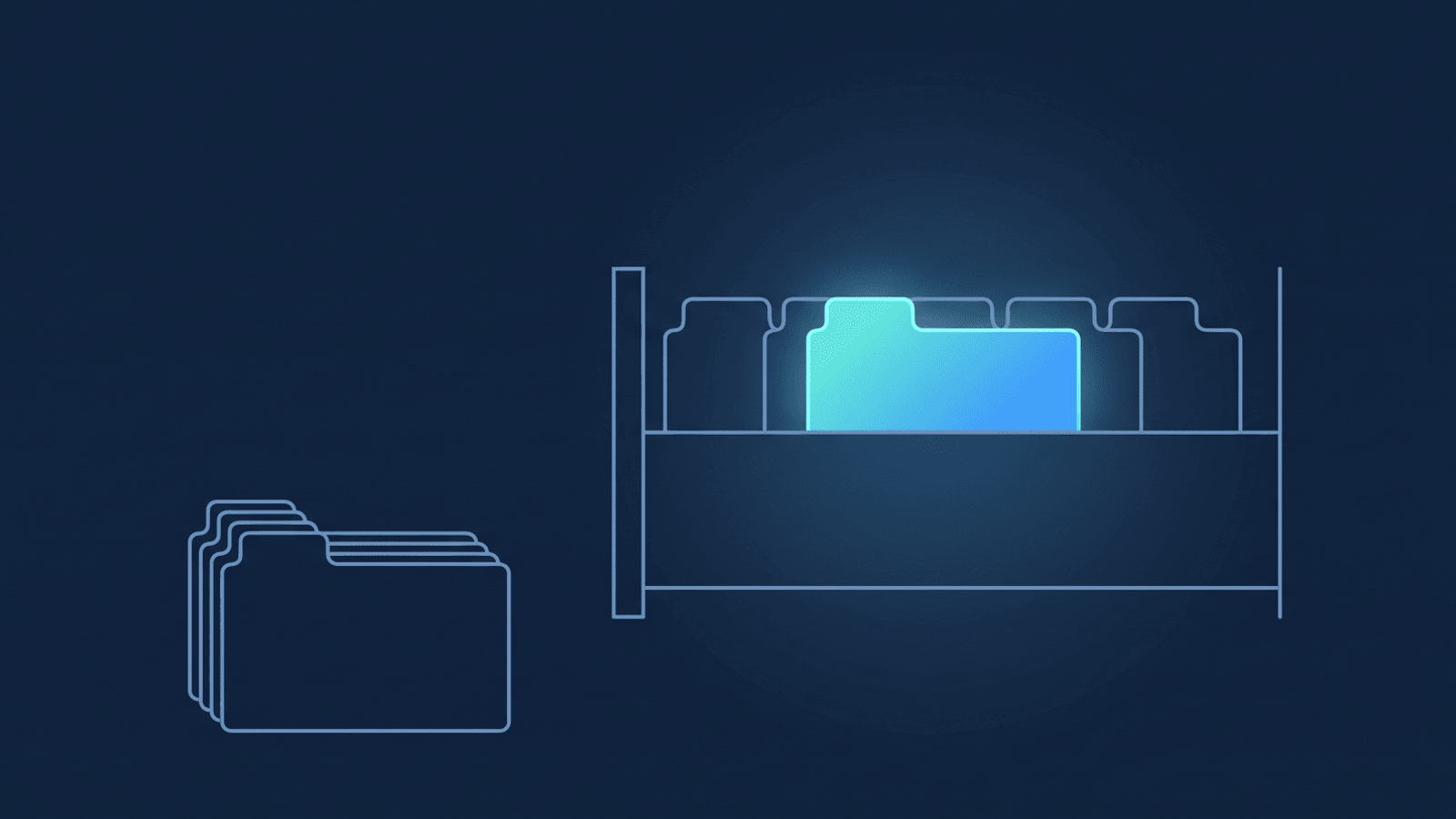
The Zoom recordings your team makes aren't really yours. Each member's account holds their own copies — so when someone leaves the org, the recordings leave with them. The board minutes from the director who changed roles last quarter? Gone with their account. The training your senior coach delivered before parental leave? Same. Owning a Zoom account on behalf of a team means the archive is scattered across other people's accounts, and you usually don't notice until something you need is already gone.
Zoom's cloud isn't built to be that archive, either. If your account has a retention policy, recordings age out on a schedule someone set; if it doesn't, they pile up against a storage quota you pay to keep expanding. Either way, the recordings your org depends on are sitting somewhere temporary.
The fix isn't more Zoom storage — it's a single Google Drive folder you control, with every member's recordings landing in a sub-folder named after them, automatically, within minutes of Zoom finishing each recording.
Why we built an admin-managed version
RecordFlow started life as an individual tool. A coach signs in with Zoom, connects Drive, and their own recordings start backing up to Google Drive automatically. That works for a one-person practice — and it's what most of our users do. But for a team, the model fell apart. Each member had to install separately and connect their own Drive separately. The org had no view of who was archiving and who wasn't. The recordings landed in fifteen different Drives owned by fifteen different Google accounts.
So we built an admin-managed version — same product, same code, same archive layout — installed once by the Zoom account admin instead of by each member individually. The admin authorizes for the whole account, picks a single Google Drive folder as the archive root, and chooses which members to archive from a dashboard. The individuals don't have to do anything. The recordings still belong to the people who created them — each member gets their own sub-folder — but the archive belongs to the org. If a staff member leaves, their recordings stay where they are.
You don't have to figure out which version you need. Whether you run the Zoom account for a team or just want to archive your own recordings, start at our sign-in screen — it routes you to whichever flow matches your role.
How account-wide Zoom archiving works
You install once, as a Zoom admin. When you install, Zoom shows you what we're asking for: permission to see who's on your account, and permission to read recordings. That's it. No write, no delete.
You land on the admin dashboard. The first thing you see is a list of every active and inactive user in your Zoom account, each with an on/off switch. By default new members are enrolled automatically — connect Drive and their recordings start flowing. Prefer to add people by hand? Turn off Automatically enable new members, and new members arrive switched off until you enable them. Either way, you can toggle any individual member off whenever you want.
You connect a Google Drive folder you own — your personal Drive, or a shared Drive your team uses. That folder becomes the archive root.
With Drive connected and a member enrolled, the next time a meeting from that member's Zoom account finishes processing, Zoom tells us the recording is ready. RecordFlow looks up the member, confirms they're enabled, and streams the recording — video, audio, transcript, chat — into a sub-folder under your archive root named after that member. So a meeting Jane Smith hosted on June 4 lands at Your folder / Jane Smith / 2026 / 2026-06-04-Board meeting. The same naming scheme the individual app uses, just one level deeper to keep members separated.
Toggle a member off and their future recordings stop archiving — sibling members keep going as normal. The per-member switch is the only thing that decides what flows into Drive, so anyone whose recordings shouldn't be archived is one click from off (or leave auto-enroll off and add people deliberately).
The dashboard shows you, across the whole account, when each member was last archived. If another admin in your Zoom account installs RecordFlow, they see the same dashboard. You can pass the baton without losing visibility.
Security and scope
Plain English on what we ask for, because consent screens are the worst genre of reading. We ask Zoom for five read-only permissions: who's on your account (so you can pick who to archive), your admin profile (so we know it's you), and three for reading recordings — listing a member's recordings, listing the files inside each one, and reading those files. (The transcript rides along as one of those files.) No write, no delete, all read-only. And nothing leaves Zoom until you've connected a Drive folder to archive into — that's the archive's on-switch.
Every member shows up in the dashboard with a switch, and new members are enrolled automatically unless you turn that default off. We store name, email, the on/off toggle, and when we last archived them — nothing else. No photos, no phone numbers, no profile fields. The Drive files are owned by your Google account (or your shared Drive); we never see them again after the upload.
The most important guarantee, for the org's general counsel: when the last admin removes the app, everything goes. Zoom tells us the moment an admin clicks Remove. If other admins still have RecordFlow installed, we offboard just the admin who left — the account keeps running on the remaining admins. When the last admin removes it, we delete everything we hold for the account — tokens, every member, every record of past syncs — within seconds, and email that admin a confirmation. The Drive folder is untouched (it belongs to your Google account or shared Drive, not us). Removal is the cleanup.
GDPR, in plain terms
When you, the admin, install the admin-managed RecordFlow app for your organization's Zoom account, you become the data controller for the recordings being archived. RecordFlow becomes a processor. The admin-managed model makes the controller relationship explicit in a way the individual app doesn't — the org owns the archive, the org's admin decides who's enrolled, the org's Google Drive holds the files.
We've published a Data Processing Addendum for the processor relationship; the Privacy Policy and Terms of Use cover how the admin-managed model handles data and the install lifecycle.
Two things admins should think through before recordings start flowing. First: because new members are enrolled automatically by default, people can be archived before they've explicitly opted in — so they should know their meeting recordings are being archived to a folder you control. Zoom already tells participants a meeting is being recorded — that covers half of it. The new half: that the recording is being archived to your org's Drive. GDPR gives you a one-month window to tell people. A line in your meeting-recording policy, plus a heads-up in onboarding for new hires, covers it. Second: if your org has a Records Retention Policy, the archive folder is now in scope for it — the recordings live there as long as you decide they live there, not as long as Zoom's default retention dictates.
Pricing
Free during beta. We're using the beta to learn fast from organizations of every shape — coaching collectives, faculties, small Ops teams, nonprofits running cohorts. The broader the feedback now, the sharper the product gets before we settle on pricing. Pricing comes later, after we've earned the right to charge by being genuinely useful to a lot of different teams. Early adopters who stick with us through the beta will get founding-member pricing when we do introduce paid plans. The storage itself is your Google Drive, so the storage bill stays where it always was.
Install
Start from our sign-in screen — it routes you to whichever app matches your role. If you run the Zoom account for your team, the admin-managed version is the one you want.
One install, account-wide archive.
If you run the Zoom account for your team — coaching collective, faculty, small org — install once, connect your Drive, and your team's recordings land in one archive. Members never lift a finger. Free during beta.