You wired up a Zoom-to-Google-Drive automation once, tested it on a quick 10-minute call, watched the file land in Drive, and moved on. It's been quietly working for weeks. Then a three-hour training session or a board meeting finishes recording — the kind you really can't afford to lose — and the file that shows up in Drive is empty, or nothing shows up at all.
That's not bad luck. It's the shape of the problem: a DIY no-code automation built and tested on small recordings can look completely solved right up until the moment it meets a large one, and the recordings most likely to be large — the long sessions, the ones with the most riding on them — are exactly the ones you can't afford to have it fail on.
What's actually happening
General-purpose automation builders are designed around a common shape of work: a webhook fires, a small JSON payload arrives, a few fields get mapped, a record gets written somewhere. That shape handles a form submission or a CRM update without any special engineering. A Zoom cloud recording doesn't fit it — a single hour of HD video commonly runs into the hundreds of megabytes once compressed, and a multi-hour session can reach multiple gigabytes. Moving a file that size through a step built for small payloads runs into a few predictable walls:
- Execution time limits. Most automation platforms cap how long a single run is allowed to take. Downloading and re-uploading a multi-gigabyte file can simply take longer than that window allows, especially on a slower connection at either end.
- Memory limits. A file-transfer step that holds the whole file in memory before passing it along needs memory proportional to the file's size. A short clip fits easily; a large recording can exceed what the step is allotted.
- No resumable, chunked upload to the destination. Google Drive's upload API supports resuming an interrupted transfer from where it left off — but only if the client uploading to it is built to use that resumable protocol in pieces; Drive doesn't make that happen automatically for a plain single-request upload. A generic "download this URL, then upload this file" action typically treats the transfer as one all-or-nothing request. If it drops partway through a large file, the usual result on the next run is starting over from the beginning — not resuming.
- No retry logic for ordinary transient errors. No system is perfect: Zoom's API enforces per-account rate limits and returns a 429 status when a client exceeds them, and Google Drive's API documents the same pattern for its own rate-limit and server errors — both vendors' own guidance is to retry after a wait, not treat it as a failure. A generic transfer step that isn't built to expect this treats a rate-limited response the same as any other failure: the run just fails. Without retry-with-backoff built in, one rate-limited request during a busy stretch can fail an otherwise-fine transfer.
None of that is a defect in the automation platform itself — those tools are genuinely good at what they're built for. It's a mismatch: large-file, resumable, retrying transfer is a specialized job, and a builder optimized for connecting small pieces of data between apps wasn't designed to be the tool that does it. The failures this produces tend to be quiet, too — a silently empty or missing file in Drive, discovered only when someone goes looking for the recording weeks later, not a loud error at the moment it happens.
There's a second gap worth naming separately, because it isn't a transfer failure at all — it's a scope one. Most no-code Zoom automations trigger off an event, something like "recording completed" or "transcript ready," and that event only fires for meetings recorded after the automation is connected. Nothing about setting it up reaches backward: years of recordings already sitting in the account stay exactly as exposed as they were before, unless someone deliberately builds a separate one-time export to catch up on them.
What to check before you trust a DIY automation with your important recordings
If you've already built one, or you're about to, these are the questions worth answering deliberately rather than finding out the hard way:
- Test it against your largest realistic file, not your shortest one. Record (or use an existing) multi-hour session and run it through the automation end to end. A pipeline that's only ever been tested on 10-minute clips hasn't actually been tested.
- Check what happens when the transfer is interrupted mid-file. Kill the connection or force a timeout partway through a large upload, on purpose, in a test. Does the next run resume, or does it start over — or does it just fail silently?
- Confirm you'd actually notice a failure. Does your automation surface an error visibly, or does a failed step just... not produce a file? A backup you have to remember to check isn't much different from doing it manually.
- Know your platform's execution and payload limits. Check the execution-time and payload limits documented for the specific platform and plan you're using — look them up rather than assuming your file will fit under them.
- Decide what "important" recordings get a second safety net. Even a well-built DIY pipeline is one integration to maintain. For recordings you genuinely can't afford to lose, it's worth having a fallback — even something as basic as a periodic manual check of your Zoom recordings list against what's actually in Drive.
How RecordFlow fits
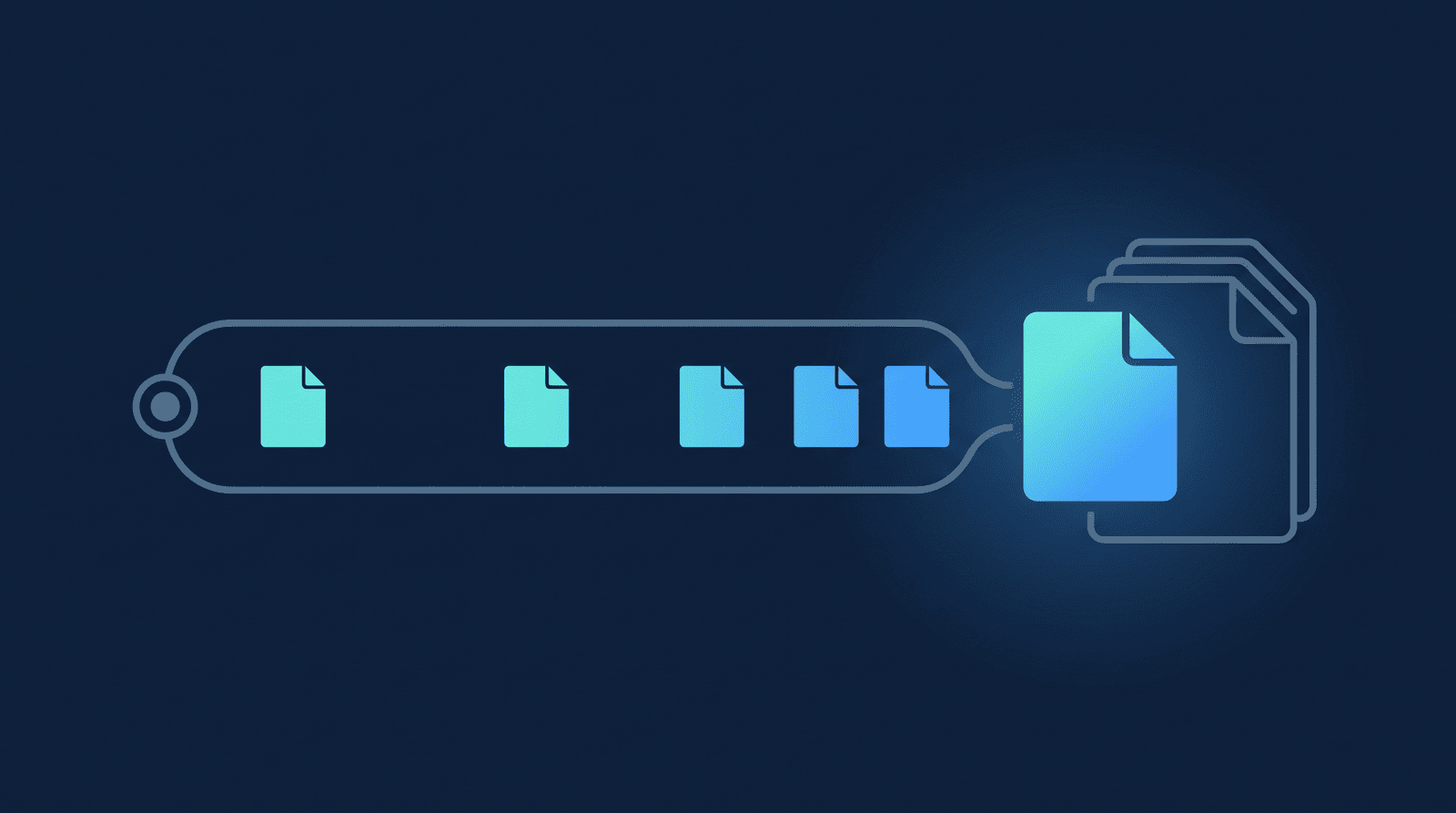
This is the specific problem RecordFlow is built around, not a feature bolted on after the fact: a large recording moves from Zoom to your storage in pieces, through a resumable upload session, rather than as one all-or-nothing request — so a three-hour session moves the same reliable way a five-minute one does, and if the upload is interrupted partway through, the bytes your storage has already accepted don't get resent. Network hiccups and rate-limit responses on either side are retried automatically; a webhook kicks off the transfer the moment Zoom marks a recording ready, with an hourly check running underneath to catch anything the webhook missed. Nothing about a recording's bytes is held on RecordFlow's own infrastructure in between — see how RecordFlow actually handles your data for exactly what that means and how it's verified against the code. Switching over doesn't mean rebuilding what you already have, either — sign in with Zoom, connect Drive, pick a folder, about 60 seconds, and there's no automation logic to migrate. The same pipeline is what backs up new recordings automatically and what moves years of existing recordings when you're not just protecting what's next, but catching up on what's already sitting in your account.
Stop finding out your automation broke on the meeting that mattered.
RecordFlow streams every Zoom recording to Google Drive in small, resumable chunks — built specifically for large files, not adapted from a generic automation step. Free during beta.