You're three minutes into a session when your client pauses mid-sentence, and something shifts in their expression — a flicker of recognition, or resistance, or grief. You almost missed it because you were transcribing their previous sentence.
That's the cost of live note-taking. Not the time it wastes. The moments it hides.
Should coaches take notes during sessions?
The question comes up constantly, and the answer has changed — not because recording is new, but because automated backup now makes it reliably available after every session. Once the recording is guaranteed, notes stop being the memory, and you're free to be somewhere better.
A coaching session asks a lot of a coach: listen for what's said, what's avoided, what's underneath the words. Do that at full attention and most sessions have a moment that changes something. Do it while writing, and you're running two cognitive tasks at once — and attention isn't infinitely divisible.
The ICF's core coaching competencies put Active Listening at the center of effective coaching — not active listening between paragraphs, but full, focused listening that tracks the whole person, not just their words. Live note-taking works against this. The coach is partially elsewhere; the notes are the record.
The client feels it too. When they sense the coach is writing, they start narrating — shaping their words for the document instead of for the work. What should be a real-time conversation becomes a deposition. They're telling you what happened, rather than experiencing it.
Notes taken under those conditions tend to capture the content of the conversation — what was said — but miss the texture: the hesitation, the energy shift, the moment when a client stopped performing insight and actually had one.
That texture is often more useful to you between sessions than the bullet points you typed while half-listening.
What the recording carries instead
A Zoom recording captures everything. Every pause. Every question you asked and the way the client's answer wandered before it landed. Every moment you'd want to revisit before next session.
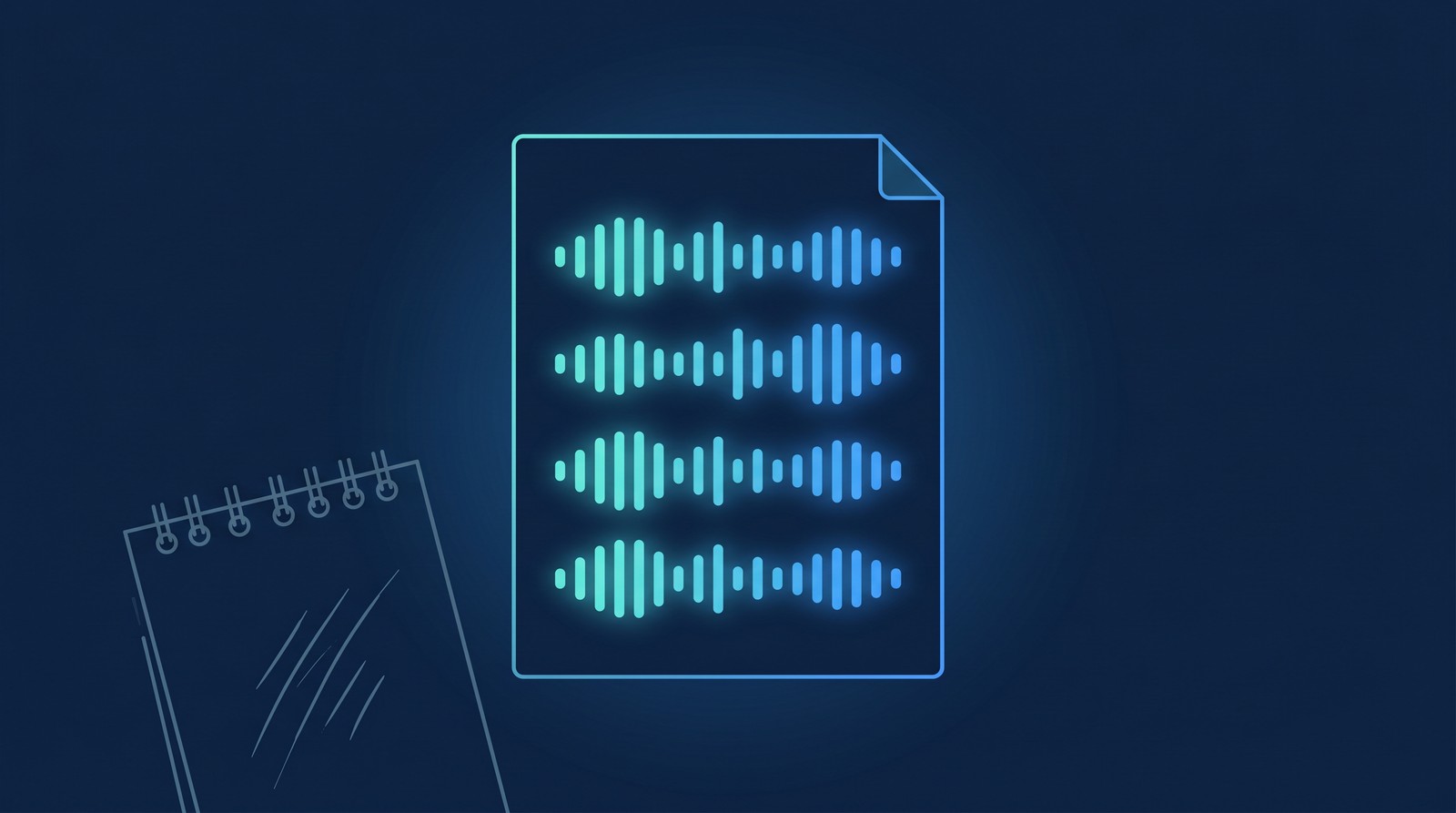
The transcript captures the words with timestamps — not because you need exact timestamps, but because a searchable, readable document means "what did they say about their co-founder?" takes three seconds to answer instead of a scan through handwritten notes. Here's what a clean transcript looks like once it's in Drive, and what you can do with it.
Between sessions, instead of a sparse notes file with things you half-remember, you have a complete record of the hour — accurate, yours, retrievable. You can skim fifteen minutes before the next call and walk in prepared in a way manual notes rarely produce.
And you can give that same full record to the client. A client who gets the recording can replay the moment the insight landed. They can search the transcript for the commitment they made. They can hear the session again on the night they're stuck — clients often go back to the last ten minutes, not the hour, which is exactly the part the transcript makes easy to find. The recording isn't overhead — it's the client's most underused asset from the work they already paid for. More on that in the companion post on giving clients their recording.
What the session looks like when you stop taking notes
The first few sessions without a notepad feel unmooring. You may reach for your keyboard out of habit. Then, usually within the hour, something loosens: you're tracking the client instead of the transcript, and the session goes somewhere it might not have.
Coaches who make this switch often report the same two things: they're more present during the session, and their clients are too. When a client knows the recording is coming, they put their own notepad down. They stop performing memory retention and start doing the actual work of the session.
The post-session habit changes slightly. Instead of reviewing notes you wrote during the session when your attention was split, you spend ten minutes with the transcript: read the last third, mark the two or three things you want to open with next time, done. That's a better prep artifact than anything you'd have typed while listening.
How RecordFlow fits
"Record instead of note-take" only works reliably if the recording actually shows up somewhere you control, every time.
Zoom Cloud isn't that place on its own. It has a storage quota that fills faster than expected on active accounts, and many organizations configure recordings to auto-delete on a 30, 60, or 90-day schedule — which creates "did it actually save long enough?" anxiety you don't need. Backing up every recording automatically to Google Drive removes it: sign into RecordFlow, connect Drive, pick a folder. After that, every file Zoom generates — video, audio recording, chat log, and a clean transcript Google Doc when Zoom's audio transcription is enabled — lands in Drive within minutes of the session ending. RecordFlow never stores the recording on its own servers; it moves the files directly from Zoom to the folder you own.
That means when the call ends, you're not thinking about whether the recording saved. You know it's in Drive, the transcript Doc is there, and you know exactly where to find both. "I'll capture it" is no longer a worry you carry into the room.
The note-taking habit persists in coaching partly because recording wasn't convenient enough to replace it. When backing up a session meant a manual, multi-step process that sometimes failed on large files, notes were the reliable fallback. Automation removes that excuse. The recording is there, the transcript is there, and you have more attention left for the room.
If you're not yet recording your sessions, the step-by-step setup guide is the place to start — this post picks up from there.
Your sessions deserve your full attention — not your notes.
Connect Zoom and Google Drive once. Every session lands in Drive automatically: video, audio, and a clean transcript Doc. Free during beta.