Three days after a session, a client emails: "Could I get a recording of our coaching session? There was something you said about boundaries I want to listen to again." And you go looking. Maybe it's in Zoom Cloud, maybe it expired under a retention setting you configured months ago, maybe you never recorded it at all. Either way, you're now spending twenty minutes hunting for — or apologizing for not having — something the client experienced as the most valuable part of working with you.
That email is a signal, and most coaches misread it. It feels like an admin request. It's actually a client telling you the recording is part of what they bought.
Should you record coaching sessions?
Yes — with consent, and as long as you actually hand the recording over. The hesitation is rarely about value; it's about storage and effort, the worry that a recording is one more file to babysit. But the session is something the client already paid for, and the only real prerequisites are clear permission up front (a relationship matter, and depending on where you both practice, a legal one) and a reliable place to put it. Get those two right and recording is pure upside — which is what the rest of this post is about.
The reframe: the recording is the client's asset
We tend to think of a session recording as the coach's problem — a file that eats Zoom storage, triggers the "your cloud is full" email, and has to be managed. So the default is to not record, or to record and quietly let it expire.
Flip it. The recording isn't overhead you store for yourself. It's a deliverable the client already paid for, sitting unused. An hour of focused, one-to-one work — the kind a client replays, references, and learns from between sessions — and in most coaching relationships it evaporates the moment the call ends. The reframe is simple: stop treating the recording as your filing problem and start treating it as the client's asset. Everything else follows from that.
What clients actually do with a session recording
When you ask coaches why they don't send recordings, the honest answer is usually "I'm not sure anyone watches them." Here's what the clients who do get them actually do:
-
They stop frantically note-taking and stay present. A client scribbling notes is half-listening. When they know the recording is coming, they can put the pen down, look at you, and do the actual work of the session. The replay becomes their notes — better notes than they'd have taken, because they were paying attention instead of transcribing.
-
They re-watch the breakthrough moment. Most sessions have one — the reframe, the question that landed, the thing they didn't want to admit out loud. In the room it goes by in seconds. On a replay they can sit with it, rewind it, and let it actually change something.
-
They revisit what they committed to. Coaching works between sessions, not just in them. The ICF's core competencies frame a coach's job as partnering with clients to integrate new learning and build accountability — turning insight into action after the call ends. A client who can replay the moment they committed to a next step is far more likely to follow through than one relying on a fading memory of "I think I said I'd do something."
-
They re-listen when they're stuck. The gap between sessions is where the hard part happens. A client who hits a wall on Wednesday doesn't have to wait until next week — they can go back to the relevant ten minutes and hear, in your voice, the thing that helps. The recording extends your support into the days you're not there.
-
They search the transcript. "What did my coach say about X?" is a real question clients ask themselves — and a recording answers it slowly (scrub through an hour of video) while a clean transcript answers it in seconds. When the session also lands as a readable, searchable document, the replay stops being a linear video and becomes something they can search by keyword — Ctrl-F to the exact moment they're looking for.
None of these require the client to be diligent. They require the recording to exist and be easy to open. And it doesn't matter whether every client watches the whole hour: the one who re-watches the breakthrough, or searches the transcript at 11pm before a hard conversation, got more from you than a dozen who never opened it. Most coaches never find out, because most never send one — which is exactly the gap that makes sending one a differentiator.
How RecordFlow fits
The reason coaches don't send recordings is rarely philosophical — it's friction. Recording, finding the file before it expires, downloading a multi-gigabyte video, and getting it to the client is a handful of manual steps that quietly don't happen during a busy week.
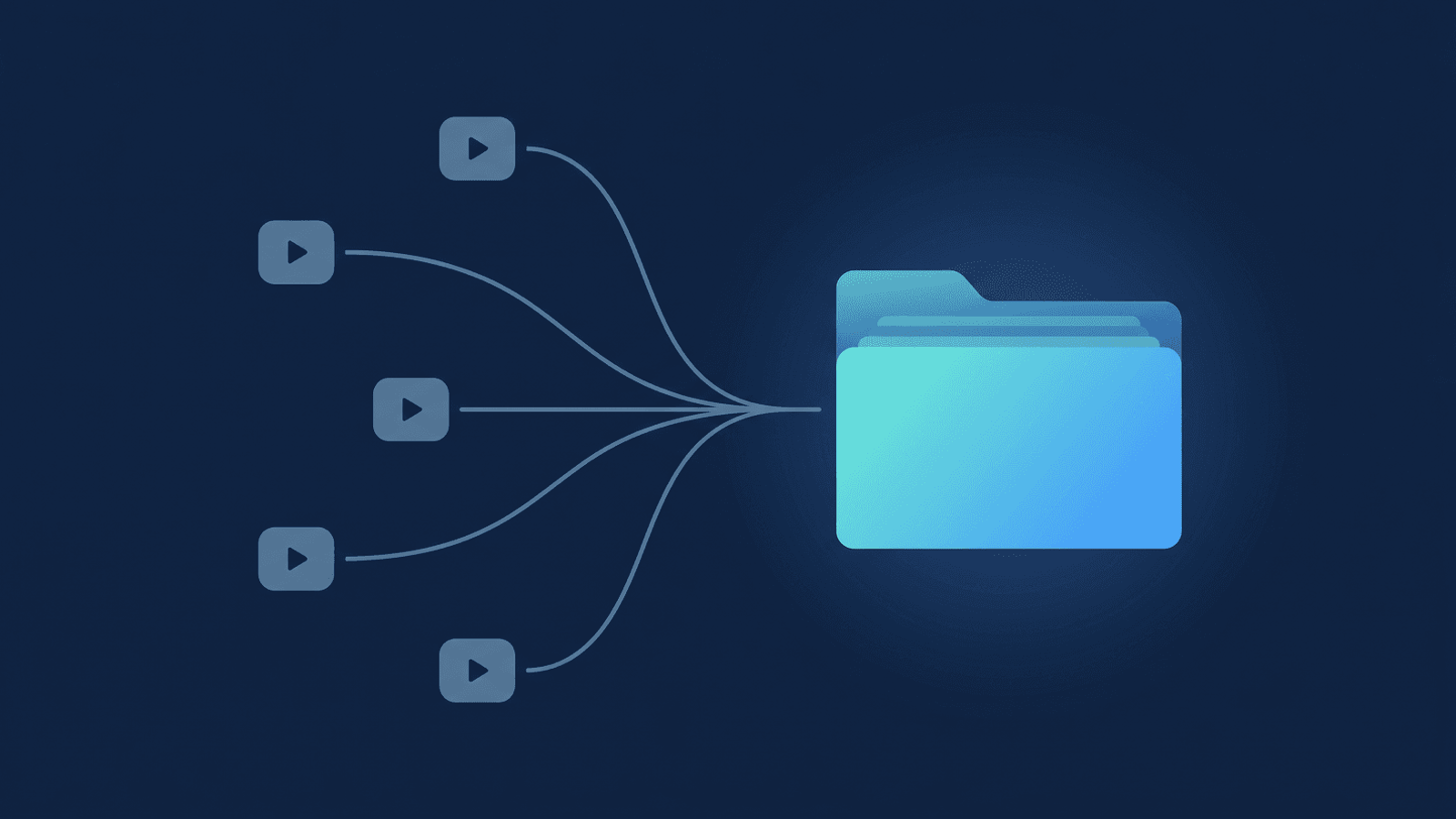
RecordFlow removes the steps. Setup is a one-time, roughly 60-second connection — sign in with Zoom, connect Google Drive, pick a folder. After that, the moment a Zoom cloud recording is ready, it copies the files — video, the audio-only file, the chat log, and the transcript — into a Google Drive folder you own: one folder per meeting, named with the date and the meeting topic, grouped by year. (The full mechanics are in the pillar guide on backing up Zoom recordings to Drive.) The files move straight from Zoom to your Drive — RecordFlow never keeps a copy of the recording on its own servers, which matters when the session was confidential. Nothing to remember, nothing to download. The recording is simply there, in a folder you control, ready to hand to the client with a Drive share link they already know how to open.
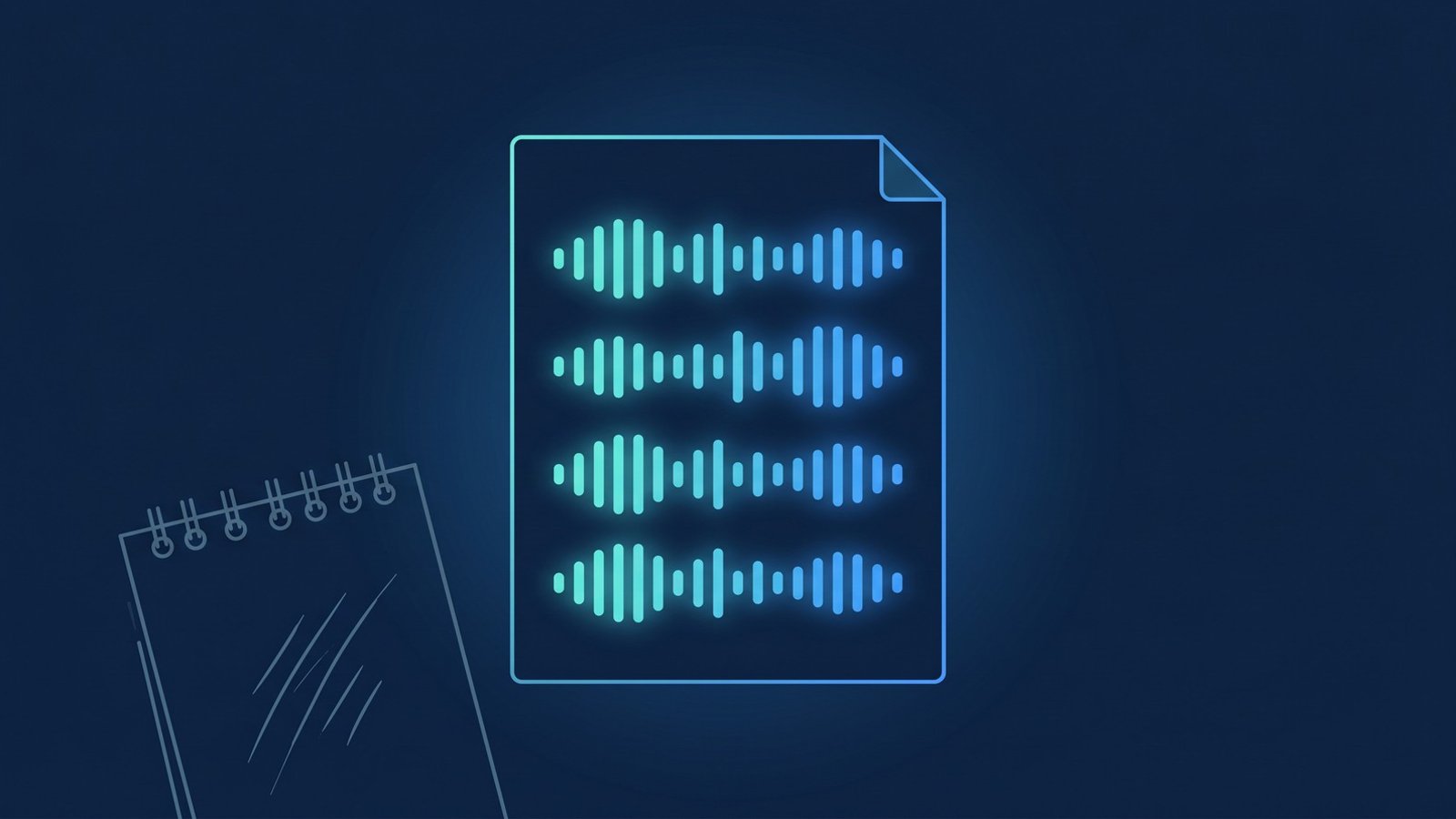
Two things make that handoff better than a raw video link. First, alongside the recording RecordFlow uploads a clean Google Doc transcript — the raw caption file reformatted into readable, timestamped paragraphs with each speaker named. That's the searchable "what did my coach say about X?" artifact, and because it's a native Google Doc it also opens in the Drive-native AI tools your clients may already use (here's the transcript-to-Doc workflow). Second, because the folder is yours, you decide what to share and with whom — Drive's per-recipient sharing keeps each client's replay private to that client, without ever handing out a Zoom account or a raw cloud link.
The shift here costs you almost nothing once recordings save themselves: you record (with consent), and you send the link. What the client gets is the difference between a session that ended and a session they can return to. That's the most underused asset in coaching — the replay you never sent.
Turn every session into something your client can keep.
Connect Zoom and Google Drive once. Every recorded session lands in a folder you own — video, audio, and a clean transcript Doc — ready to share with the client who paid for it. Free during beta.