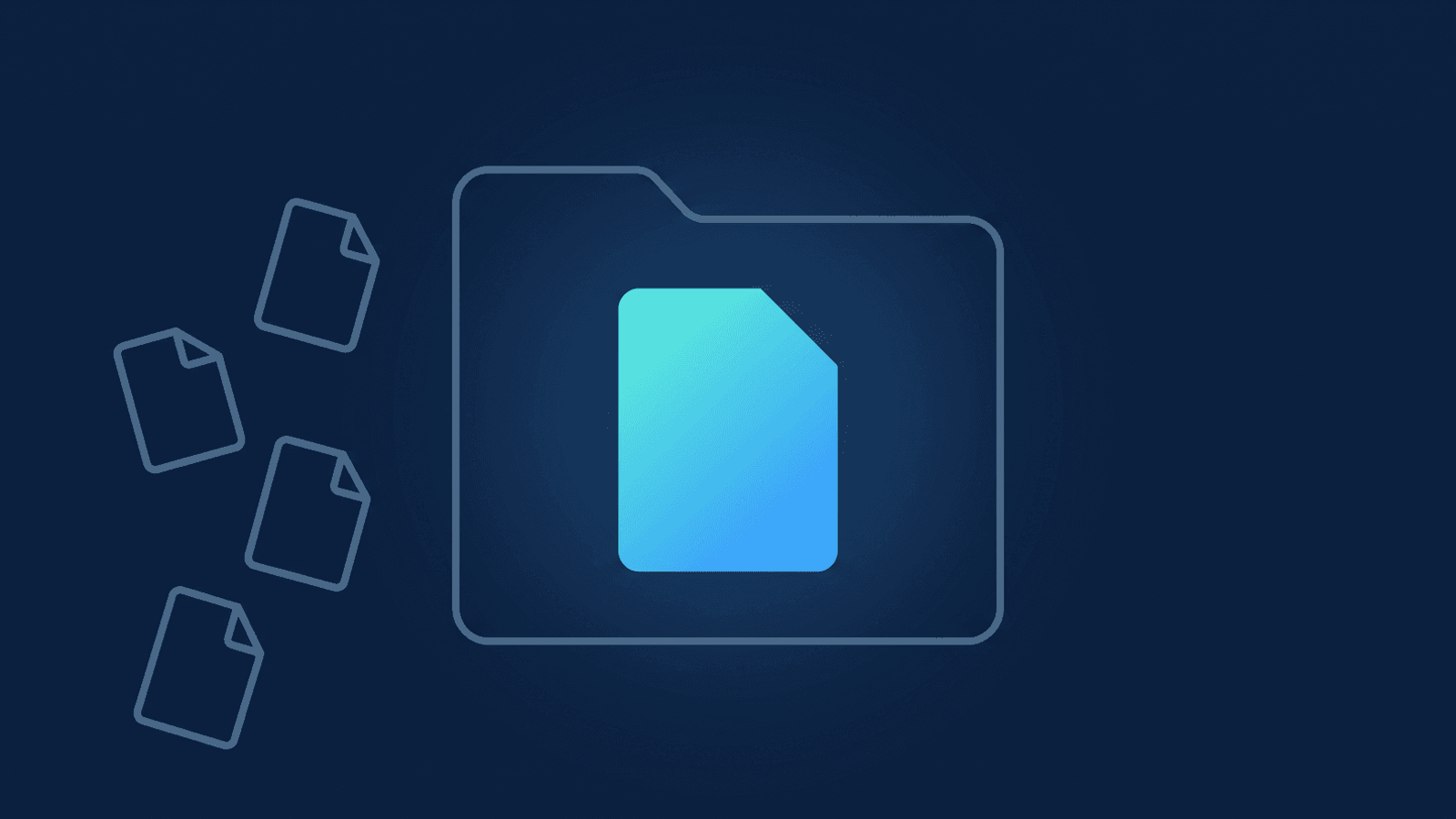
The storage alert always lands during finals week, when every course on campus is recording at once. It lands on IT — not on the professor who filled the pool. Those recordings aren't incidental. They're the lecture a student with an accommodation is owed, the defense a graduate committee needs on file, the guest lecture a department wants to reuse next year. And because Zoom's storage is one shared account-wide pool, one over-recording department can block cloud recording for every other course on campus the moment it fills.
How Zoom storage management works for university IT
Zoom's cloud recording storage is granted per licensed user and pooled at the account level on every plan — but Education tiers start from a much smaller allowance than a standard Business plan. Education Core and Education Legacy give just 0.5 GB per licensed user; Education School & Campus steps up to 5 GB; School & Campus Plus and Enterprise Essentials step up again to 10 GB; only Enterprise Plus and Premier go unlimited (the full table is in our plan-by-plan storage breakdown). Multiply whichever tier your institution licenses by however many faculty, TA, and staff seats you have, and the resulting pool is what every course, every department, and every guest lecture draws against simultaneously — nobody's recordings get a private allotment, whether your institution calls itself a school, a college, or a university.
That pooling is compounded by a second problem specific to a campus: turnover. Adjuncts rotate in and out every semester; TAs graduate; a department loses a lecturer mid-year. Deactivating a Zoom user doesn't offer any way to hand off their recordings — that option only appears when an admin unlinks or deletes the user, not when they simply deactivate one — and even then, transferring their cloud recordings to another licensed user is a checkbox the admin has to select on purpose during that flow, not something that happens by default. Miss it in the rush of an end-of-term offboarding batch, or deactivate instead of unlinking or deleting, and a semester's worth of lecture recordings is now only as durable as whether anyone remembered.
Both problems point the same direction: Zoom's storage model is built around one host's recordings inside one term, not an institution's teaching archive that has to survive every semester's faculty turnover.
How to fix it
- Install RecordFlow's admin-managed app once, as the Zoom account admin — for a department or the whole institution, not per instructor. One authorization covers everyone you enroll.
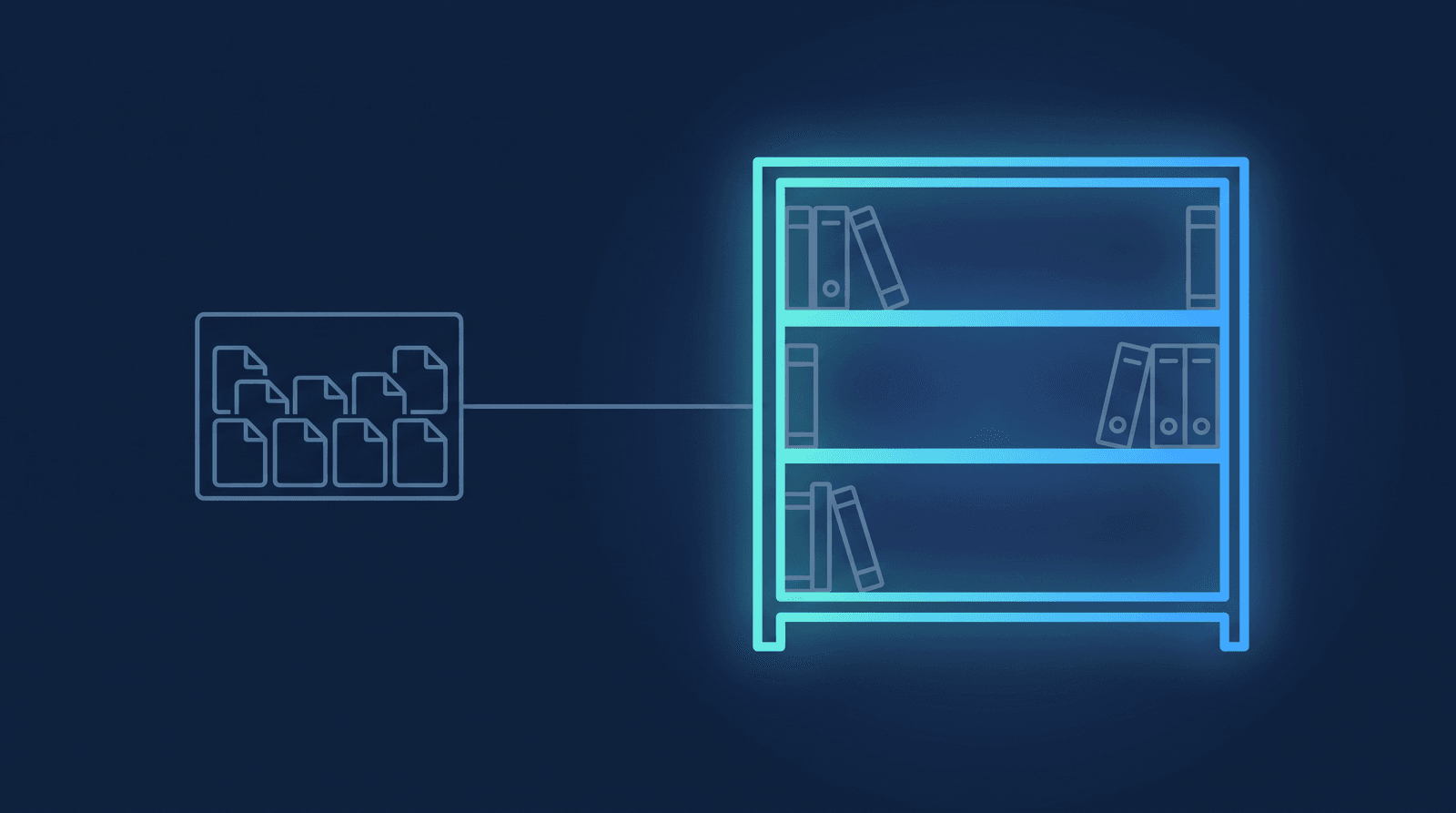
- Connect one Google Drive folder as the archive root. A shared drive the institution or department owns is worth the extra setup step over a personal Drive — it survives staff turnover the same way the archive is meant to.
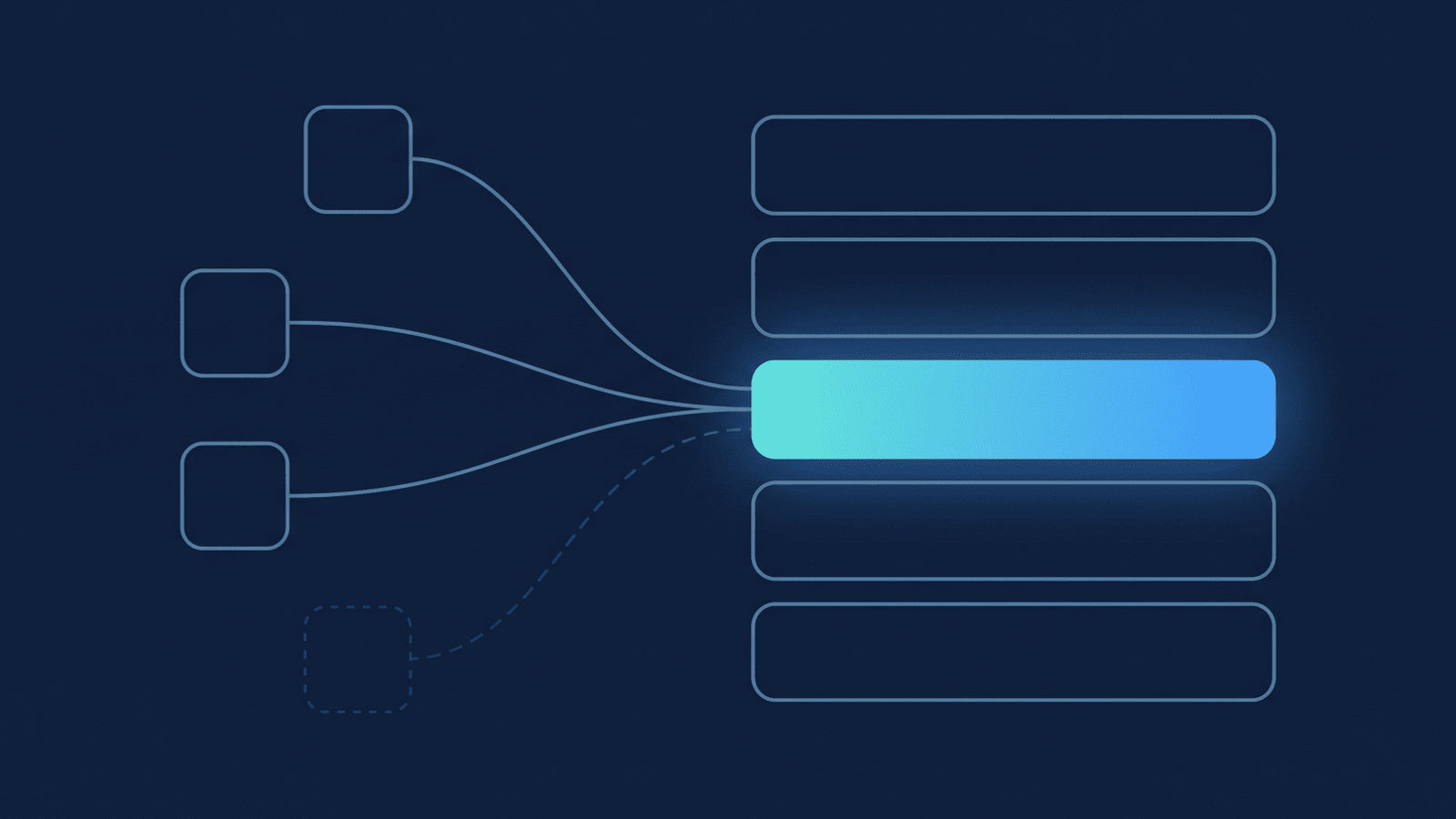
- Enroll instructors and TAs from the admin dashboard. New members can be archived automatically by default, or leave that off and add each person deliberately as adjuncts rotate in every semester — either way, an instructor never has to install or configure anything themselves.
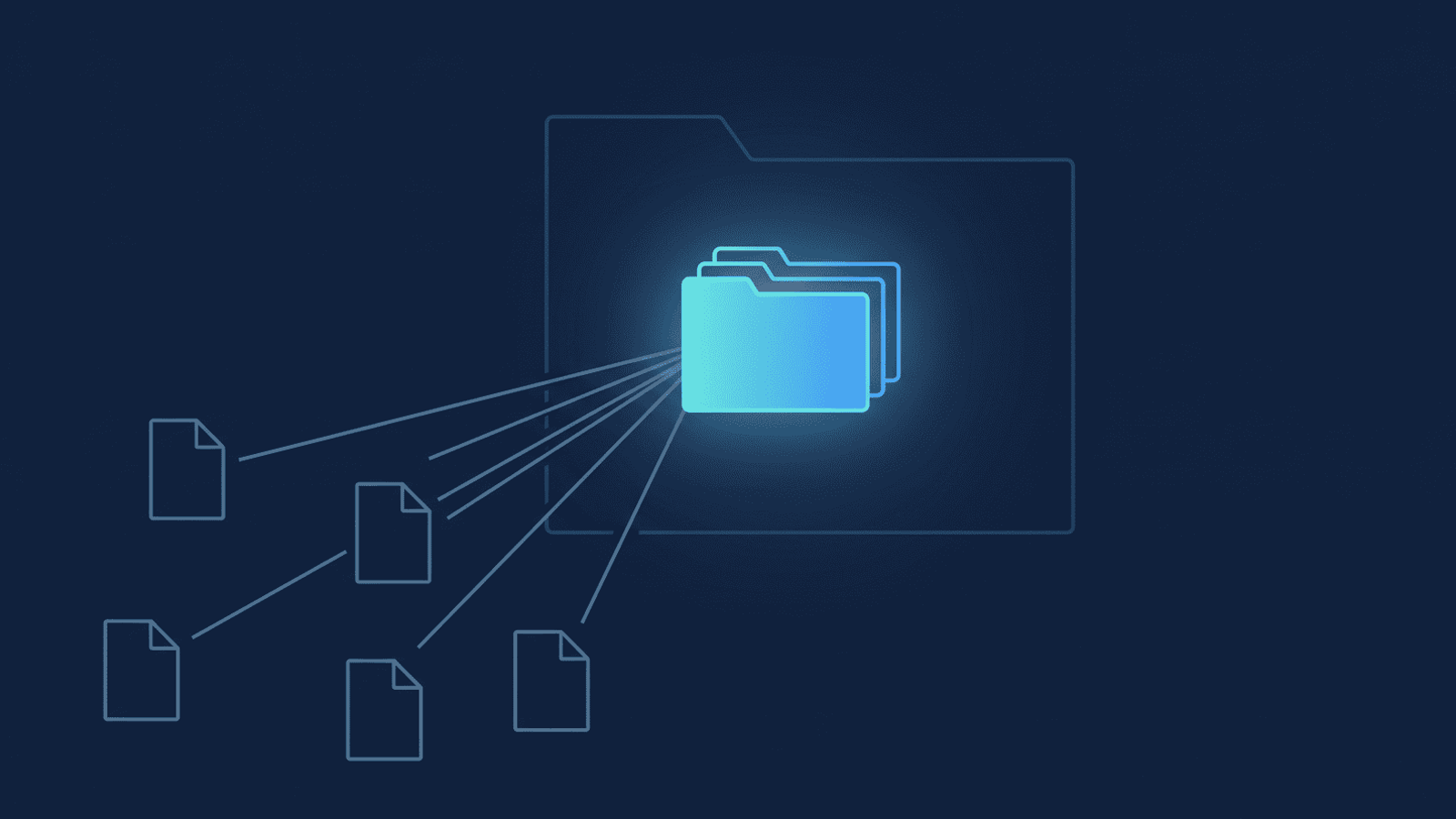
- Each instructor's sessions land in their own named sub-folder under the shared root, dated and organized the same way every term, so a program coordinator, registrar, or accreditation reviewer can find "last spring's Thursday Organic Chem lecture" without emailing five people who may not even work there anymore.
- Toggle an instructor off when their contract ends — don't rely on an offboarding checklist catching it. Because the archive already lives in your Drive by the time each session finishes, a departing adjunct's prior recordings are already safe; you're only deciding whether their future sessions keep flowing in.
What to check if a recording didn't archive
How RecordFlow fits
RecordFlow's admin-managed app is the version an instructional-technology director or department IT lead installs — the setup above, running for every enrolled instructor, with nothing for the instructor to set up on their end. If storage pressure is what triggered the search in the first place, our admin storage-management guide covers what Zoom's own Reports and auto-delete tools can do on top of an archive that's already running.
One thing worth being precise about: this post isn't a FERPA compliance statement, and we don't make one. What we can state plainly is what our own systems do — RecordFlow never stores a recording's bytes on its own infrastructure; files stream directly from Zoom to the Drive folder your institution owns and controls, and enrollment is an admin-only toggle a member can't turn on for themselves. The full account of what we store, minimize, and delete — the kind of detail a security or compliance reviewer actually asks for — is in how RecordFlow handles your data. Your institution's FERPA obligations are yours to evaluate with your own counsel; RecordFlow is the processor moving the recordings, not the office that clears them for release.
The cost side, at institutional scale
A department archiving a semester of lectures for a few dozen instructors is not in the same cost regime as an individual, and the per-gigabyte figures stop being rounding errors. It is worth pricing the options explicitly before renewing an add-on tier or a storage plan for another year: Zoom's own published add-on rates run from $0.33 down to $0.10 per gigabyte per month, and object storage the institution owns runs from $0.023 on S3 Standard down to well under a cent on an archive tier nobody reads back. The full comparison is here — including why copying recordings somewhere cheaper does not, on its own, reduce what you pay Zoom.
One install archives every instructor's lectures.
RecordFlow's admin-managed app gives every enrolled instructor's Zoom recordings an automatic backup in a Google Drive folder your institution controls — one install, a folder per instructor, nothing lost to semester turnover. Free during beta.