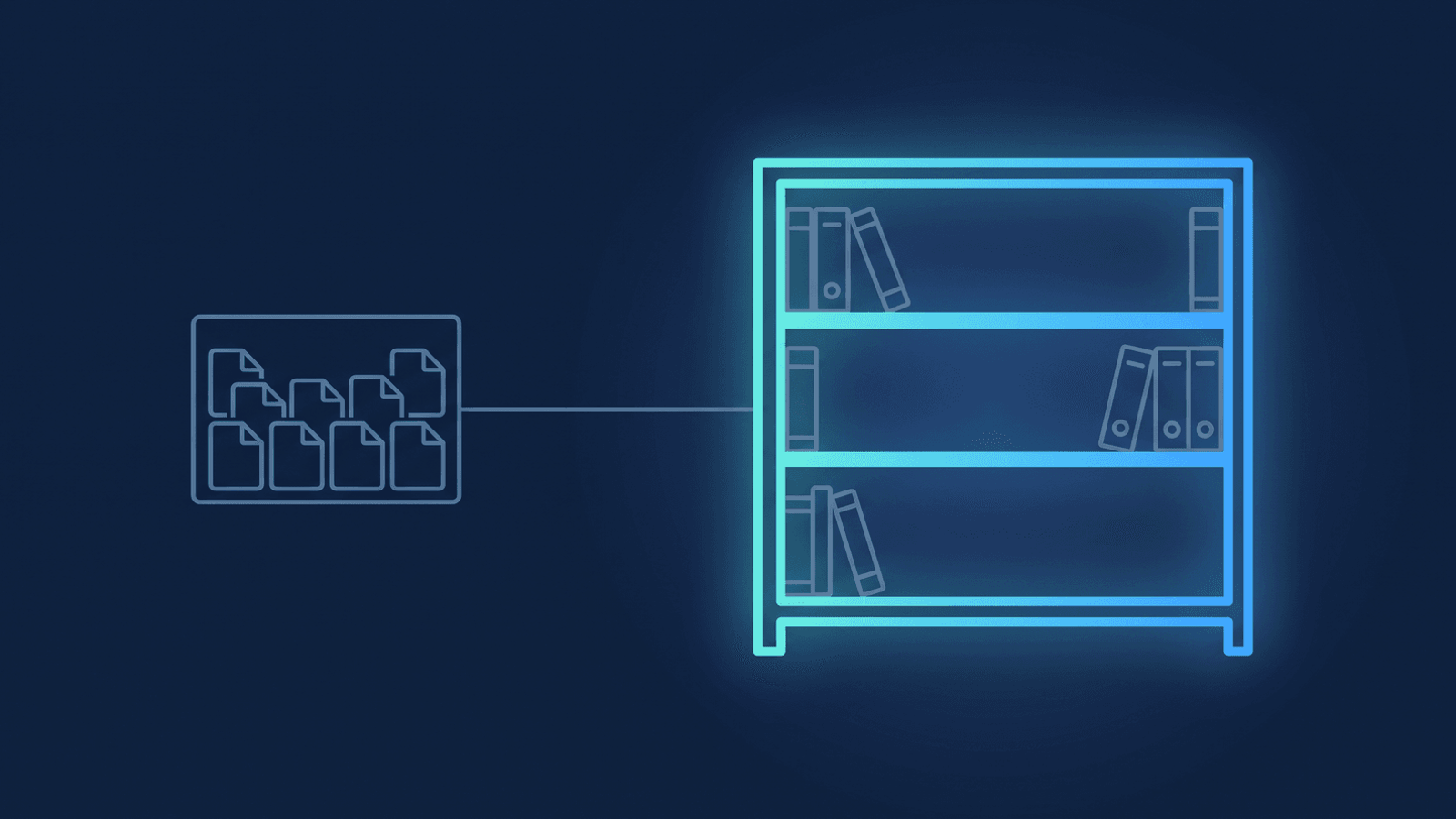
An instructor teaching the same Tuesday cohort every week does the same manual chore after every single session: find last week's shared folder, or share a brand-new one, then post the link somewhere students will actually see it. Multiply that by every recurring class your academy runs, and it stops being one instructor's rounding error. It becomes a standing operational task nobody assigned to anyone — repeated every week, for every class, for the life of the program.
What's actually happening
Zoom has no concept of a recurring class as a single object. Even a recurring meeting — the closest thing Zoom offers — treats every occurrence as its own separate cloud recording, with its own share link and its own expiration clock. There's no built-in "this is week 6 of the same series" grouping a student — or an admin archiving on their behalf — can rely on. That's manageable for a single instructor tracking their own one class. It breaks down the moment an academy runs the same pattern across a full faculty roster: each instructor either has to reinvent their own naming and re-sharing habit, or the job falls to whoever's turn it is to remember.
The result shows up in two different ways depending on who's asking. A student who missed week 4 has to ask the instructor for a link, because there's no one place that always holds "this class's recordings." And for the academy or IT department archiving centrally, Zoom's recording storage is one pool shared across every host on the account — grouping by class isn't something Zoom's own storage model does for you; it's purely a filing problem that lands on whoever's doing the archiving.
How RecordFlow files every class into its own folder
RecordFlow's admin-managed app already archives every enrolled instructor's Zoom recordings into a Google Drive folder your institution controls, one sub-folder per instructor (see archiving across a multi-instructor academy). What's new is automatic class-level grouping inside that archive: recordings for the same recurring class collect into one shared folder per class, instead of landing as separate same-looking session folders an instructor has to hunt through.
Here's the mechanism, so it's clear what does and doesn't need to change on your end:
- The instructor sets the Zoom meeting topic once, with a "/" separating the class name from the session title — for example
Intro to Statistics — Fall 2026/Week 6: Regression. Nothing else about how they run the class changes. - RecordFlow reads everything before that first "/" as the class name and files that session into a folder named after it, nested under the instructor's year folder in your archive — so
Intro to Statistics — Fall 2026becomes one folder, and every week's session for that class lands inside it automatically. - The instructor (or the archive owner) shares that one class folder with students once, at the start of the term. Every subsequent session drops into a folder students already have access to — nothing to re-share, nothing to hand off week to week. As with any shared archive, let students know up front that the class folder is where sessions land — the same onboarding line covers it.
- A new academic term starts a fresh class folder, because the class folder sits under the year folder rather than above it — so a Spring section's folder, and its sharing grants, are never inherited by the Fall section that reuses the same class name.
This applies to sessions synced from the point the feature is turned on — it doesn't reorganize anything already archived, so nothing already shared with students under an old folder name moves or breaks. And it's specific to folder-based destinations: a Google Drive, OneDrive, or Dropbox archive can hold a class folder, but a YouTube destination has no folder structure to group into, so this doesn't apply there.
If renaming meetings isn't realistic, there's a second rule. Asking every instructor to put a "/" in every meeting topic is a habit change, and habit changes leak. RecordFlow can instead recognise the class from the recurring Zoom meeting itself, so a recurring meeting called Intro to Statistics — Fall 2026 files its sessions into a folder of that name with nobody renaming anything. The trade-off is that it only covers meetings Zoom itself records as recurring — a session an instructor schedules by hand each week is a series to them and a string of unrelated one-offs to Zoom. When you turn the feature on you see both rules previewed against your own archive — how many sessions each would group, into how many folders — and pick whichever fits how your instructors actually work. The user guide covers both in full.
What to check if a session lands in the wrong place
How RecordFlow fits
To turn class-level folder grouping on, open Settings in your dashboard, switch on Group recordings by series, and pick a rule for your Drive, OneDrive, or Dropbox archive. RecordFlow previews how each rule would have filed your own recent sessions before you save. Once it's on, instructors don't change how they run a class: either they put the class name before a "/" when they set the meeting topic, or — if their classes are already scheduled as recurring Zoom meetings — they change nothing at all. From there, RecordFlow's existing sync — video, audio, chat log, and a clean Google Doc transcript for every session — lands in the right class folder automatically, on top of the same per-instructor archive institutions already run (see Zoom recording storage for universities and colleges).
Give every recurring class its own folder — automatically.
RecordFlow's admin-managed app groups each class's sessions into one shared Drive, OneDrive, or Dropbox folder, so instructors share it once per term instead of re-sharing every week. Switch it on in Settings — free during beta.