An instructor who taught your Tuesday cohort for two semesters gives notice. Before their Zoom access is deactivated, someone on your team is supposed to make sure every session they recorded is somewhere safe — except nobody ever set that up, because it was never anyone's explicit job. You find out it didn't happen the day a student asks for a session from three months ago and the recording is nowhere to be found.
For a training academy, multi-instructor institute, or online college running courses across a faculty roster, the recorded session library isn't a courtesy — it's the product students enrolled for. And it's scattered across as many Zoom accounts as you have instructors, which means it's only as reliable as the least organized person on your roster.
What's actually happening
Zoom cloud recordings belong to the host who recorded them, live in that host's account, and count against a single storage pool shared across your entire Zoom account, sized by your plan and licensed-user count. Nothing about that model changes because five, ten, or thirty instructors are recording into it instead of one person. It just means the pool fills faster, from more directions, and no single instructor can see the whole picture — only the account admin can.
That creates two separate problems for a coordinator running an academy instead of a solo practice. First, storage: one instructor running back-to-back sessions can push the whole account toward its cap, and once it's full, Zoom stops saving new cloud recordings for every host on the account — not just the instructor who filled it. A student in a completely unrelated cohort can lose access to recording because someone they've never met ran an extra office-hours call.
Second, and less obvious until it happens: continuity. When an instructor leaves, deactivating their Zoom account doesn't offer any way to hand off their recordings — that option only shows up if you remove the user entirely, and even then, transferring their cloud recordings to another licensed user is a checkbox the admin has to select on purpose, not something that happens on its own. Miss that step, or simply deactivate instead of remove, and every session that instructor ever recorded is now only as durable as whether anyone remembered it during a busy offboarding.
Both problems come from the same gap: Zoom's storage model is built to hold one host's recordings, but a training academy needs one institutional archive that survives any single instructor coming or going.
How to archive recordings across a multi-instructor academy
- Install the admin-managed app once, as the Zoom account admin or account owner — not per instructor. This is the version built for exactly this shape: one person authorizing on behalf of the whole account, rather than every instructor separately connecting their own Drive.
- Connect one Google Drive folder as the archive root. Every instructor's recordings land in sub-folders under that single root, so the library lives in one place your institution controls — not in fifteen instructors' personal Drives.
- Enroll your instructors from the admin dashboard. New members can be archived automatically by default, or you can leave that off and add instructors deliberately as they onboard — either way, an instructor never has to do anything on their end beyond recording as usual.
- Let each instructor's sessions land in their own named sub-folder, dated and organized the same way underneath the shared root, so "last month's Module 4 replay from the Thursday cohort" is a lookup, not an investigation across several people's Zoom accounts.
- Toggle an instructor off — don't wait for an offboarding checklist item to be remembered. Because the archive lives in your Drive from the moment each session finishes, a departing instructor's prior recordings are already safe; you're only deciding whether their future sessions keep flowing in.
What to check if a recording didn't archive
How RecordFlow fits
RecordFlow's admin-managed app is the version an academy coordinator installs: one authorization on behalf of the Zoom account, one Drive folder as the archive root, a sub-folder per instructor underneath it. You pick who's enrolled from a dashboard, and each instructor's sessions — video, audio, chat, and a clean Google Doc transcript — start landing automatically within minutes of Zoom finishing each recording, with no separate sign-in or setup required from the instructor. We store each instructor's name, email, sync status, and archive history needed to run the enrollment — see our Privacy Policy for the full account-level list — and the recording itself streams straight from Zoom to your Drive without ever being stored on RecordFlow's own infrastructure in between. As with any admin-managed archive, let instructors know their sessions are being archived to your Drive — a line in onboarding covers it.
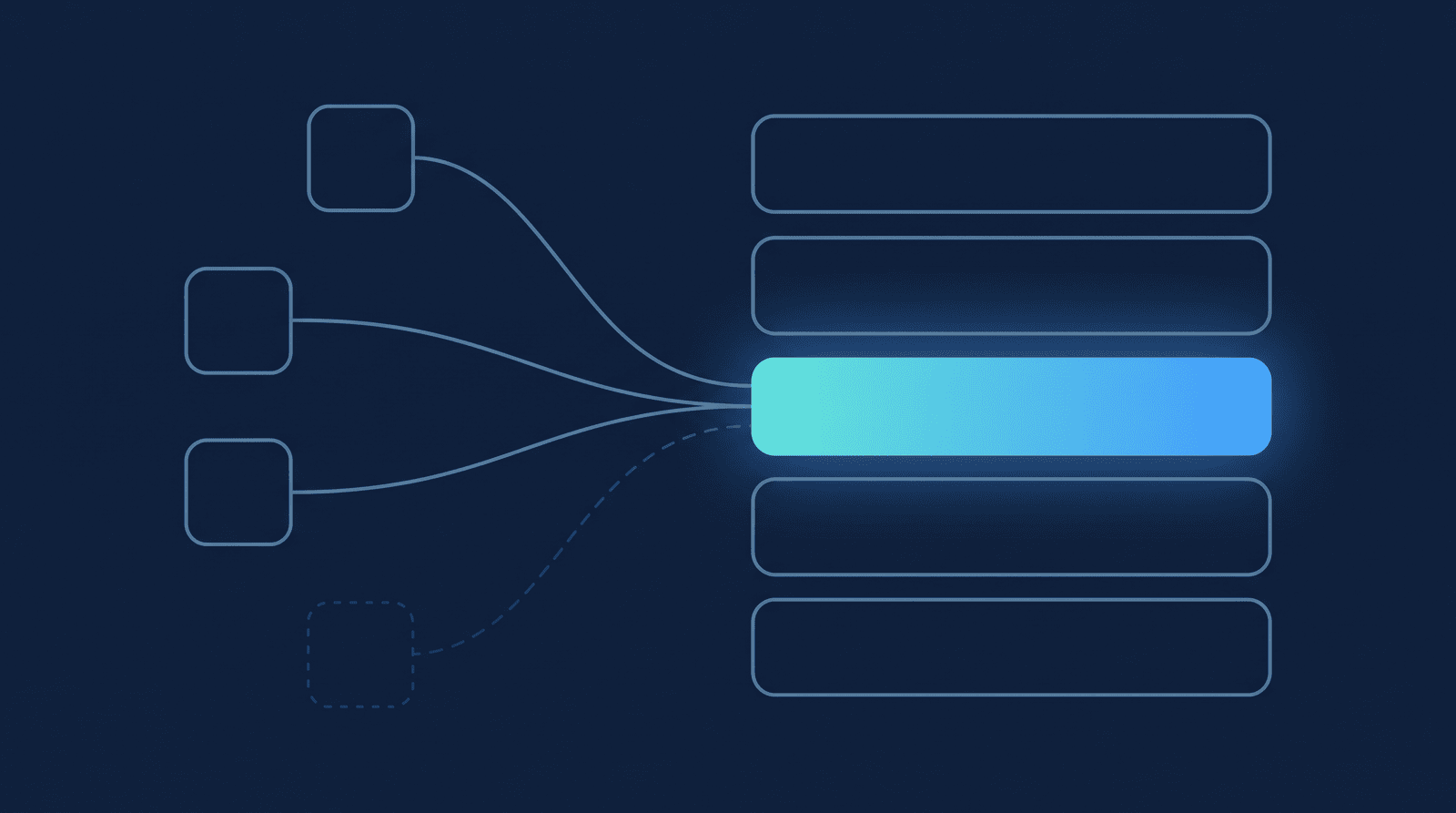
Because a shared sync budget covers the whole account on every run, RecordFlow processes whichever enrolled instructor has waited longest since their last archive first — so an instructor teaching several sessions a day doesn't repeatedly crowd out a colleague who only teaches once a week. Nobody's cohort recordings get starved because someone else on the roster records more.
The same archive layout composes cleanly with the two content patterns an academy typically runs — an ongoing one-to-one tutoring roster for individual sessions and a cohort or course library for group classes — both landing in the same instructor-scoped archive, so a coordinator running both formats doesn't need two separate systems. And if Zoom's own storage-side tools are also part of your cleanup routine, our admin storage-management guide covers what those can and can't do on their own.
For an instructor teaching several recurring cohorts at once, Group recordings by series adds one more layer inside their own sub-folder: every session that shares a class name in its meeting topic collects into one folder automatically, so "last Thursday's Cohort 3 replay" is a single folder, not a search across that instructor's whole archive. It's off by default — the linked docs above cover how to turn it on — and it only shapes future syncs, so nothing already archived gets reorganized.
One install archives every instructor's recordings.
RecordFlow's admin-managed app gives every enrolled instructor's Zoom recordings an automatic backup in a Google Drive folder your academy controls — one install, a folder per instructor, nothing lost when someone's contract ends. Free during beta.