Somewhere in your Zoom account is a storage meter creeping toward full — and somewhere else, in the Google Drive, Microsoft 365, or Dropbox account you already pay for, there's more room than you'll use this year. If you're a coach, consultant, therapist, or trainer, those two facts sitting unconnected are why you keep buying Zoom's storage add-on to hold client recordings that would fit in space you already own.
That's not a Zoom-specific complaint. It's what happens whenever the tool that captures something also tries to be the place you keep it.
The bill you're actually paying
Zoom's plans include a fixed pool of cloud recording storage per licensed user — 10 GB on Pro and Business, 15 GB on Business Plus, pooled across everyone on the account. Once that pool fills, Zoom doesn't make room; it blocks new cloud recordings until you free space or buy more. The cheapest published add-on tier is $10 a month, and that buys just 1 GB — the 30 GB tier a typical small account would actually need runs $40 a month, a real, recurring bill for a resource most of these accounts already have plenty of, just parked somewhere else. (The exact allowance by plan, and what fills the pool faster than it looks, is in Zoom cloud storage limits by plan.)
Meanwhile, Google One runs about $100 a year for 2 TB — under half a cent per gigabyte per month — and Google Workspace's Business Standard plan bundles 2 TB of pooled Drive storage per user that a lot of small teams pay for and never come close to filling. Microsoft 365 and Dropbox plans follow the same shape: storage you're already paying a flat rate for, sitting mostly empty, while a second vendor sells you a second pool for the exact same kind of file. The full cost comparison, worked out to the gigabyte, is here if you want the spreadsheet version of this argument. This post is making a different one: the number on the invoice isn't really the problem. Where the file lives is.
Your recordings aren't a Zoom feature. They're your business
Zoom's product model treats a finished recording the way most video tools do — as something the meeting produced, not something the business owns. It notifies you, hands you a link, and assumes you'll deal with it. For a coach, consultant, therapist, or trainer, that recording is the opposite of an afterthought: it's the client's deliverable, the record of the session, sometimes the thing you'd need to produce if a relationship went sideways eighteen months from now.
Treating that file as "a Zoom thing" has a real cost that shows up the moment your relationship with Zoom changes. Cancel or downgrade the account and the recordings are on a 30-day clock toward permanent deletion — a recovery window for accidental deletes, not a migration path for an archive you actually care about. Rotate a license between team members and a recording can end up stranded behind an admin-only view the original host can't reach. None of that is a bug. It's what happens when the place you store an asset is licensed month to month by the vendor who happens to have made it.
Storage you already own doesn't come with that clock. A file in Drive, Microsoft 365, or Dropbox stays until you delete it — no subscription to keep current just to keep the archive readable, no vendor decision that quietly starts a countdown on work you did months ago.
The move: split the meeting tool from the archive
None of this is an argument to leave Zoom. Zoom is good at running meetings — scheduling, joining, the in-call experience — and switching video platforms to solve a storage problem is solving the wrong problem. The move is narrower: keep Zoom for the meeting, and keep the archive of what the meeting produced somewhere you control, on your own schedule, independent of any one vendor's storage tier.
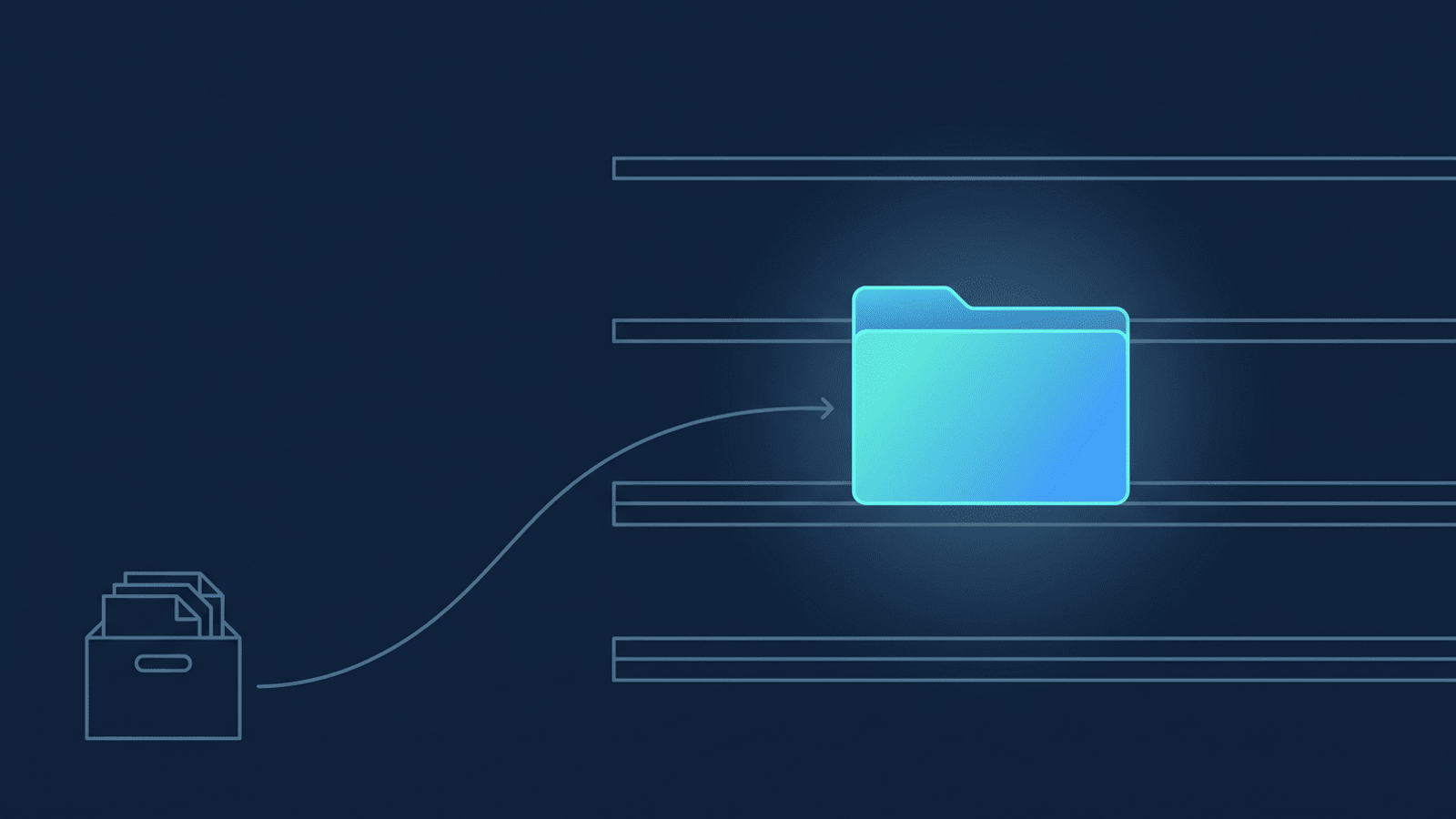
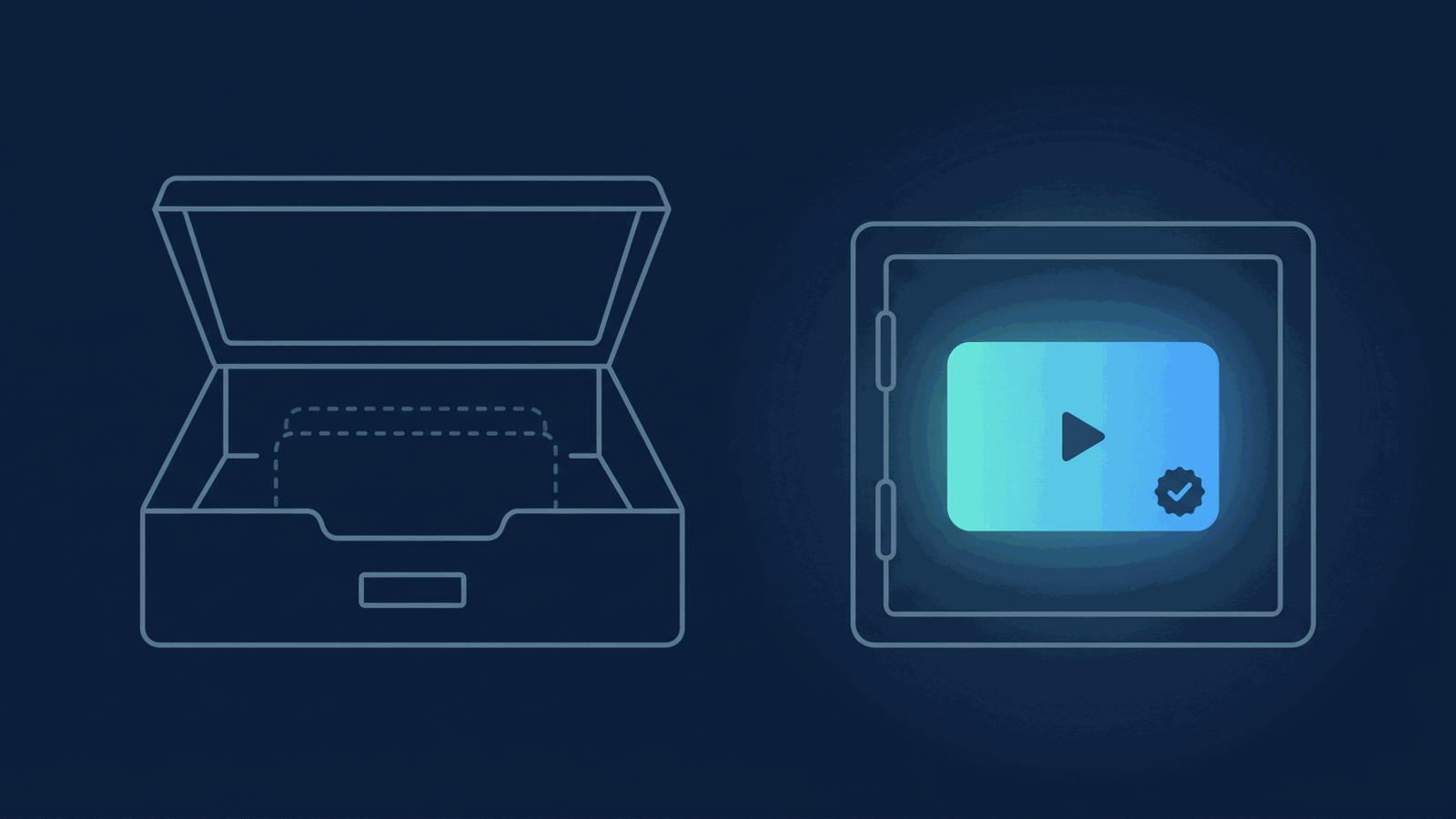
In practice that means every finished recording gets copied into storage you already own — the moment it's ready, not on a day you remember to do it — and only after that copy is confirmed does Zoom's own copy become optional. At that point, Zoom's cloud storage goes back to being what it always should have been: a short-lived staging area, not the archive. You can let Zoom's built-in auto-delete clear its copy on a schedule you set, confident the recording already lives somewhere that isn't waiting on your next Zoom invoice.
How RecordFlow fits
RecordFlow copies every Zoom cloud recording — video and audio, plus the transcript and chat log when Zoom produces them — into the cloud storage you already pay for, the moment Zoom marks it ready. Connect once — sign in with Zoom, connect Drive, OneDrive, or Dropbox, pick a folder, about 60 seconds — and from then on the archive builds itself in storage you control, retrying on its own if a transfer hiccups, not storage Zoom rents you by the gigabyte. Recordings transfer directly from Zoom to your destination; nothing sits on RecordFlow's infrastructure in between. Once a backup is confirmed, Zoom's own copy becomes disposable on whatever schedule you choose, and the storage meter that used to dictate a recurring bill stops being your problem.
Keep the meeting tool. Own the archive.
RecordFlow copies every Zoom cloud recording into the Google Drive, OneDrive, or Dropbox storage you already own, automatically, the moment it's ready.