Three months into an engagement, someone needs to check what was actually agreed on that kickoff call — was the deliverable scoped to include revisions, or not? The recording exists somewhere, hosted by whichever consultant ran that call, filed under a date nobody remembers. If your agency runs client work through Zoom, this isn't a one-off: it's every engagement, every handoff, every time a new team member needs the context a past call already settled.
A sales team loses a deal call the same way, but a deal call is a coaching example you'd like to keep. A client delivery call is the record of what you agreed to do — losing it doesn't just cost you a good example, it costs you the ability to answer "what did we say we'd deliver?"
What's actually happening
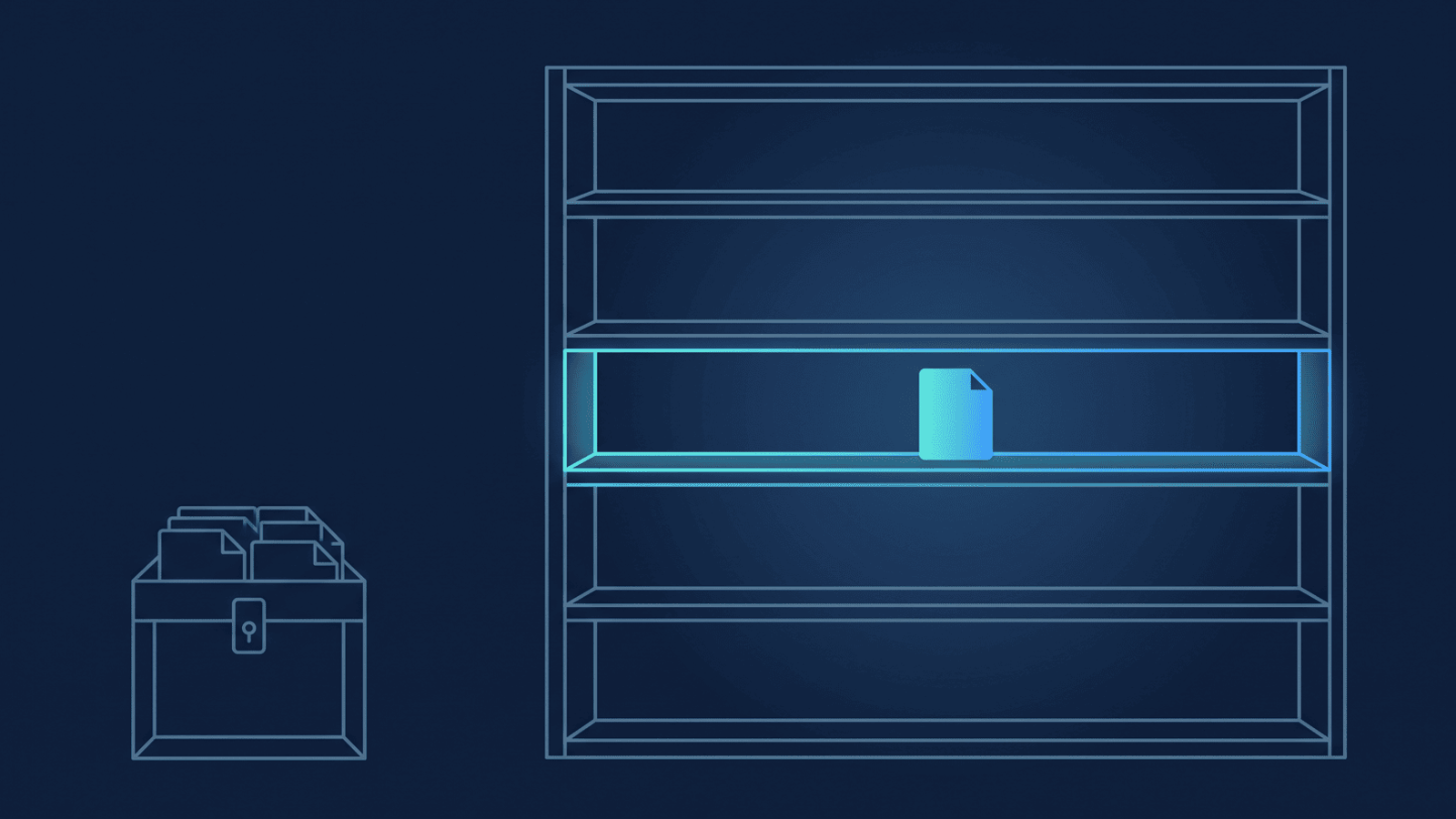
Most agencies run client work through one shared Zoom account, with each consultant or account lead hosting their own calls. When a call ends, Zoom's cloud recording lands under that person's own account — not filed by client, project, or engagement, just a meeting topic and a date. An admin can see every recording across the account from Zoom's account-wide recording view (Account Management → Recording and Transcript Management), but that view is a list by host, not a library organized around the client relationship — exactly the "dozens of calls each day, filing by date isn't very useful" problem an agency runs into once it has more than one consultant and more than one client.
The recording also isn't guaranteed to still exist when someone needs it. Zoom's cloud storage is pooled across the whole account, not per user, and once it fills, Zoom can block new cloud recordings account-wide — the full storage math is covered here if you want it. Some accounts also run a retention or auto-delete policy to manage that pressure, which ages recordings out on a fixed schedule — including the one call where a client's scope changed.
That's a different failure mode than losing a sales call. A deal recording is useful the next time someone needs an example; a client delivery call is the record of a decision your agency is on the hook for. Two problems compound at once: the recording is siloed under whoever happened to host it, and it isn't durable enough to still be there when a handoff or a dispute makes you need it.
How to build a Zoom recording archive for every client call, organized by client
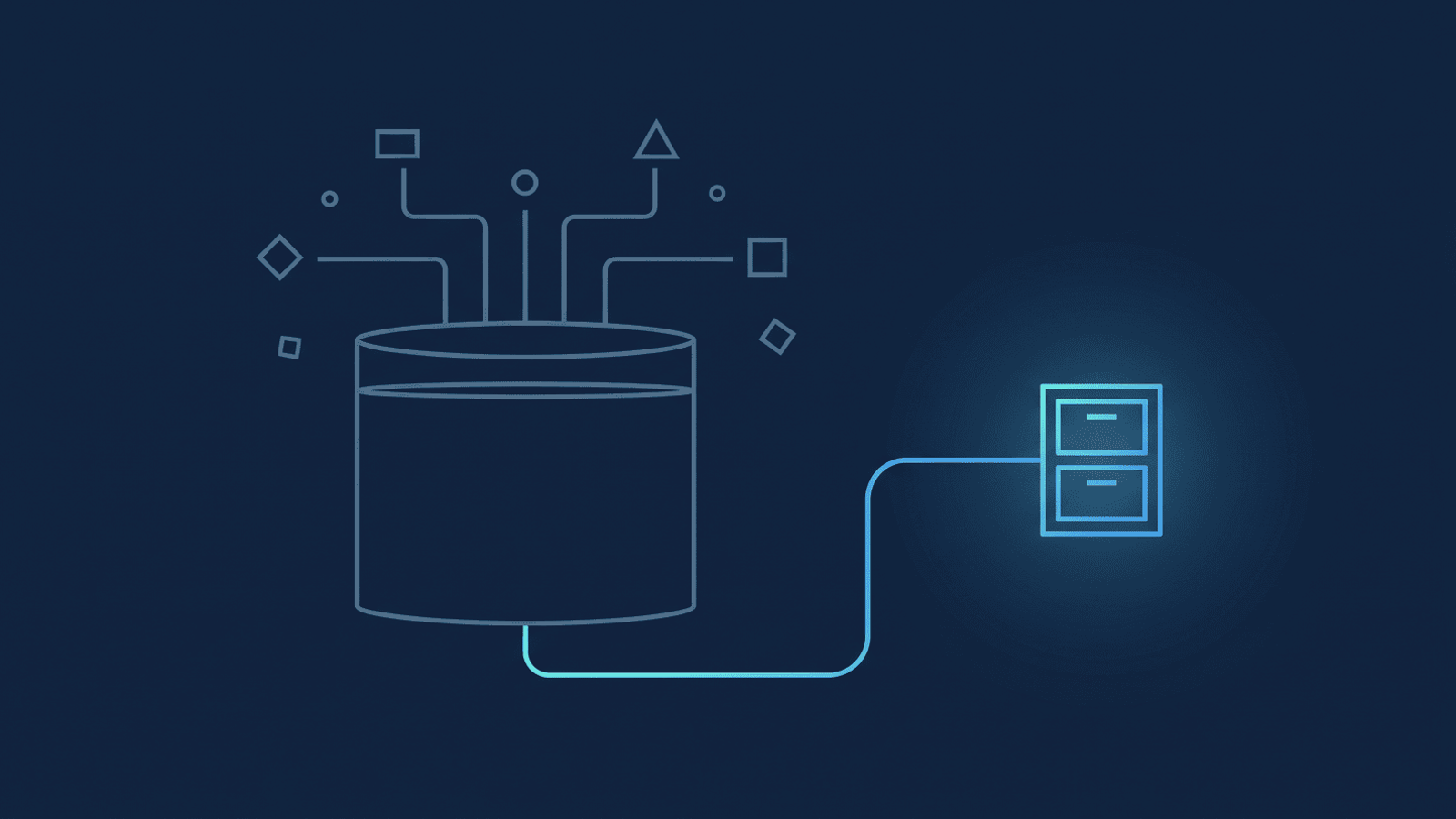
- Get every team member's calls landing in one place automatically. Instead of a recording staying wherever Zoom put it, route it to a Google Drive folder the agency already uses — the moment Zoom marks the recording ready, not whenever someone remembers to go find it.
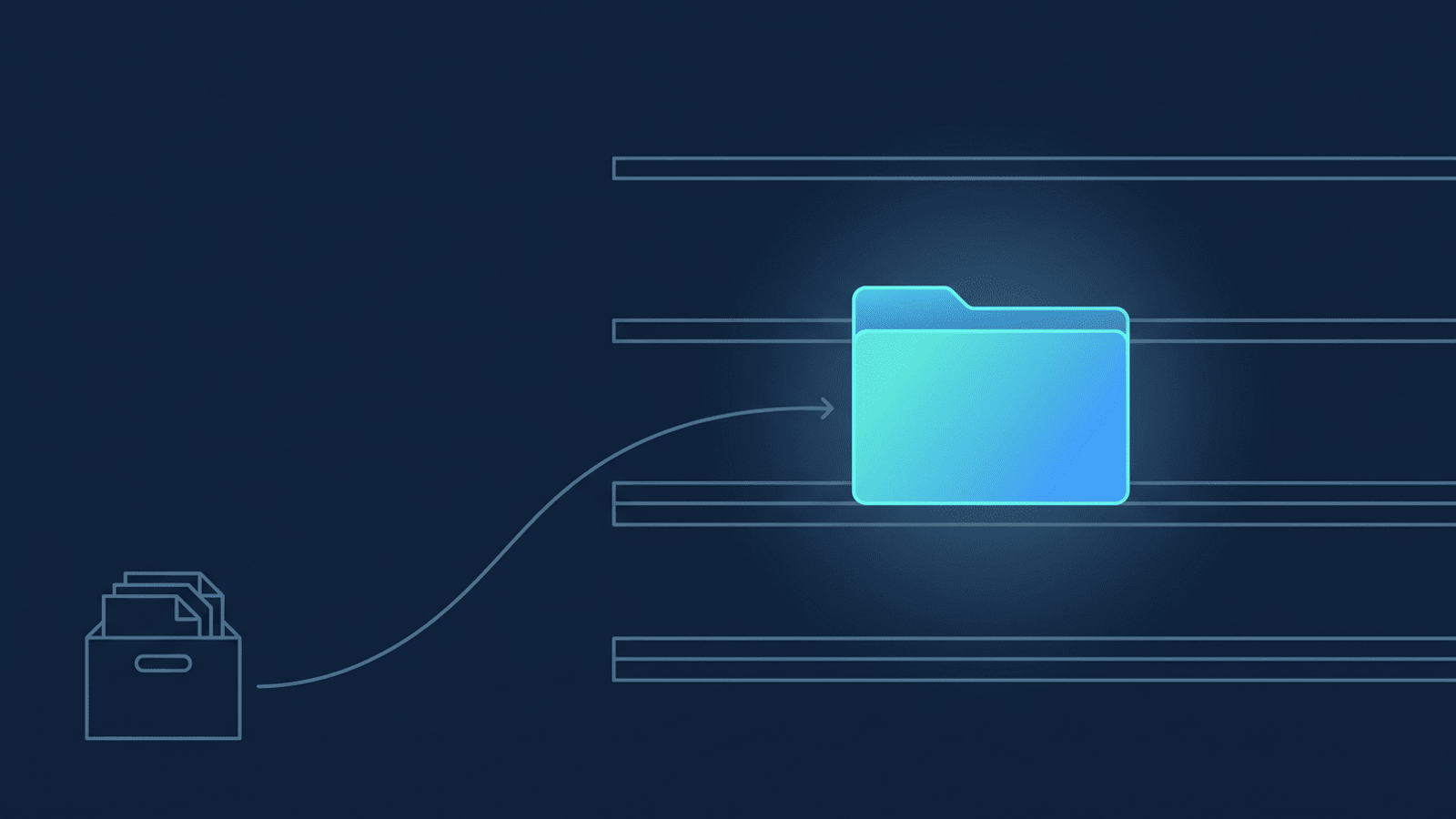
- Organize by client, not by date. A flat pile of dated recordings is exactly what makes "which call was that in?" impossible to answer six weeks later. RecordFlow's admin-managed app gives you a sub-folder per team member out of the box; to go further and group a given client's recurring calls into one folder regardless of who hosted them, give that client's meetings a shared prefix in the Zoom topic (for example "Acme Corp/Weekly Sync") and turn on recurring-meeting grouping — see the setup guide for how. It's off by default and only groups future syncs; recordings you've already archived stay where they are.
- Turn the transcript into something searchable. Alongside the video and audio, RecordFlow adds a clean, timestamped Google Doc transcript whenever Zoom produces one for the call, so finding the exact line where a client approved a change is a text search, not twenty minutes of scrubbing video.
- Treat the archive as the client history, not a backup you hope you never need. Once a client's calls are filed together, a new team member picking up the account can read the last three months of decisions instead of asking around. And because RecordFlow never reads or analyzes what's inside a recording, that history stays exactly as private as the calls themselves — it's a folder your team can search, not a dataset going anywhere else.
- When the archive is deep enough, it's a source you can point other tools at. A season of client-organized transcripts is the same shape of asset a knowledge base built on Gemini Notebook starts from — worth knowing once the folder structure above is in place, even if that's a later step.
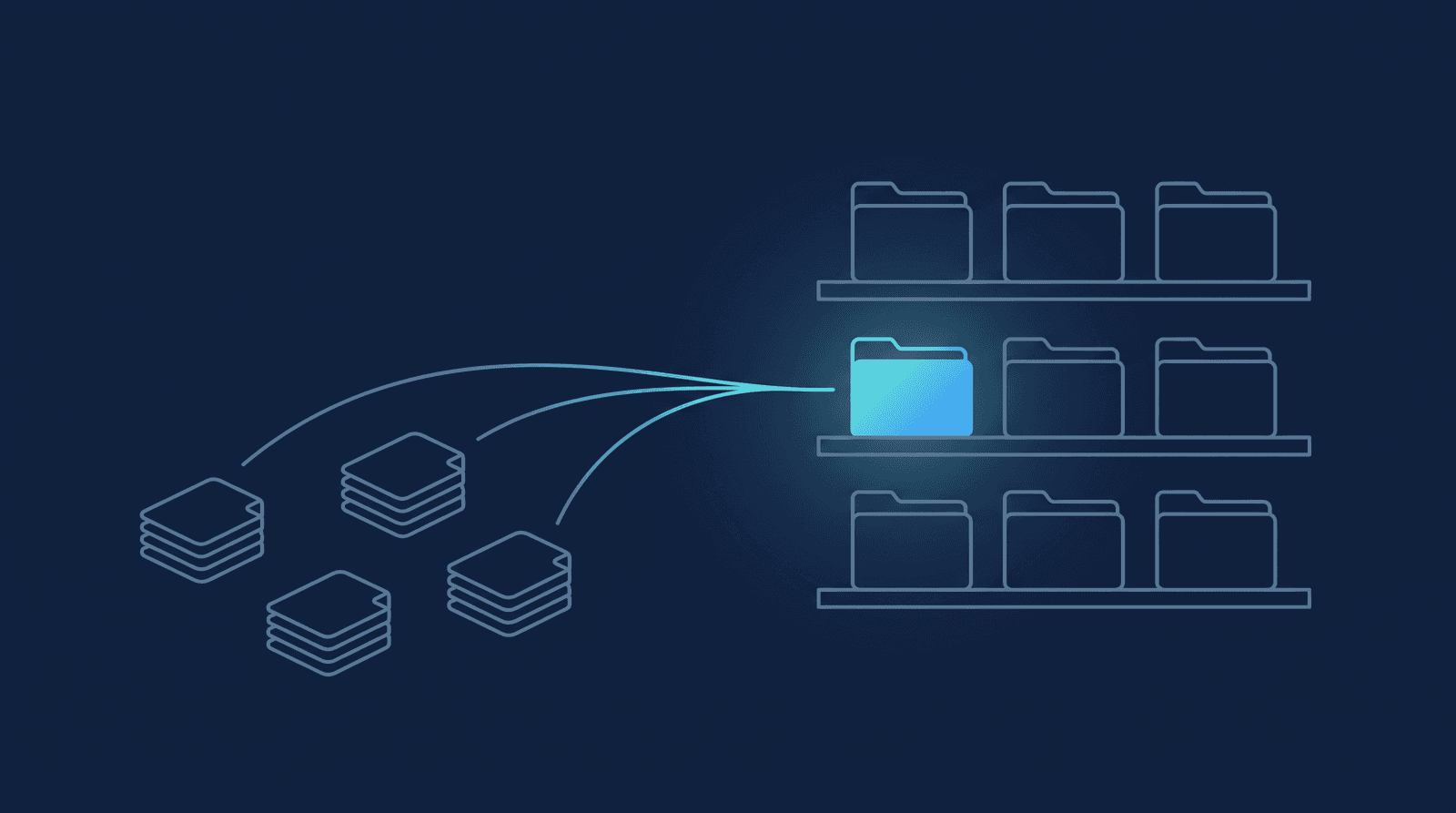
For a single consultant running their own Zoom account, that's the individual RecordFlow setup: sign in with Zoom, connect a Drive folder, done in about 60 seconds. For an agency with more than one person on client calls, RecordFlow's admin-managed app is the better fit — whoever runs the account installs once, connects a single Drive folder, and every enrolled team member's calls land in their own sub-folder under it automatically. No individual consultant has to set anything up — there's no rollout to chase and no one who has to remember to opt in — and recordings stay attributed to whoever hosted the call, so nothing merges people's calls into one undifferentiated pile unless you deliberately group by client as in step 2.
How RecordFlow fits
RecordFlow doesn't touch your CRM or project-management tool, and isn't a call-intelligence product — it's agency Zoom recording management done one way: land every recording, video, audio, transcript, and chat log alike, into a Google Drive folder the agency owns, automatically and within minutes of the call ending. Because these are calls with clients outside your org, the same recording disclosure Zoom already requires covers the archive too — RecordFlow doesn't change what participants were told, it just makes sure the file doesn't disappear afterward. Once a client's calls are sitting in a Drive folder organized around that relationship, whatever your team already uses for account handoffs, engagement reviews, or client reporting is working from a file that isn't going anywhere — not a Zoom link running against a storage clock.
Every client call, filed by client — automatically.
Connect Zoom to a Google Drive folder your agency already uses, and every recorded call lands there within minutes, organized and transcribed. Free during beta.