Client & class-recording workflows
Your client and class recordings are a deliverable, not a byproduct. These guides cover the workflows coaches, consultants, therapists, trainers, and course creators use to record, name, organize, and share Zoom sessions — from 1:1 client folders to cohort replay libraries — with every file safely archived to storage you own so nothing is lost when Zoom's cloud clears out.
Your Client Can't Open the Zoom Link. Here's the Fix.
When a Zoom share link demands a sign-in your client doesn't have, the fix is a Drive link — the same workflow they use for proposals. Here's how.
Save Your Real Estate Zoom Recordings — Coaching and Client Calls
Buyer consultations, listing walkthroughs, and agent coaching calls all age out on Zoom's clock. Here's how a brokerage archives both automatically.
Keep Every Client Call Your Agency Records in One Place
An agency's client calls sit scattered across each team member's Zoom account. Land every one in a single archive, organized by client, automatically.
Give Students Access to Your Zoom Lecture Recordings
Long Zoom lectures don't have to be locked behind a login students don't have. How to archive hour-plus recordings and share them without a Zoom account.

Recording Health & Wellness Coaching Sessions So Clients Can Rewatch Their Progress
PT, fitness, and wellness coaches record sessions clients rewatch between visits. Here's how to keep every session findable, not just recorded.

Choosing YouTube Visibility for Your Zoom Class Recordings
RecordFlow uploads Zoom class recordings to YouTube as Private. Here's how to choose Unlisted or Public in YouTube Studio, and when to skip YouTube.

Build a Student Replay Library on YouTube from Your Zoom Classes
Every class auto-uploads to your YouTube channel, private by default. Here's how to turn that into a browsable replay library your students can actually find.

Build a Course Library in OneDrive from Your Zoom Class Recordings
Zoom has no built-in OneDrive course library. Here's how to save every online class recording into one organized OneDrive archive automatically.
Should You Put Client Session Recordings on YouTube? A Straight Answer
YouTube's fine for a course trailer, risky for a confidential 1:1. Here's what YouTube's own policies say about private uploads, sourced and cited.
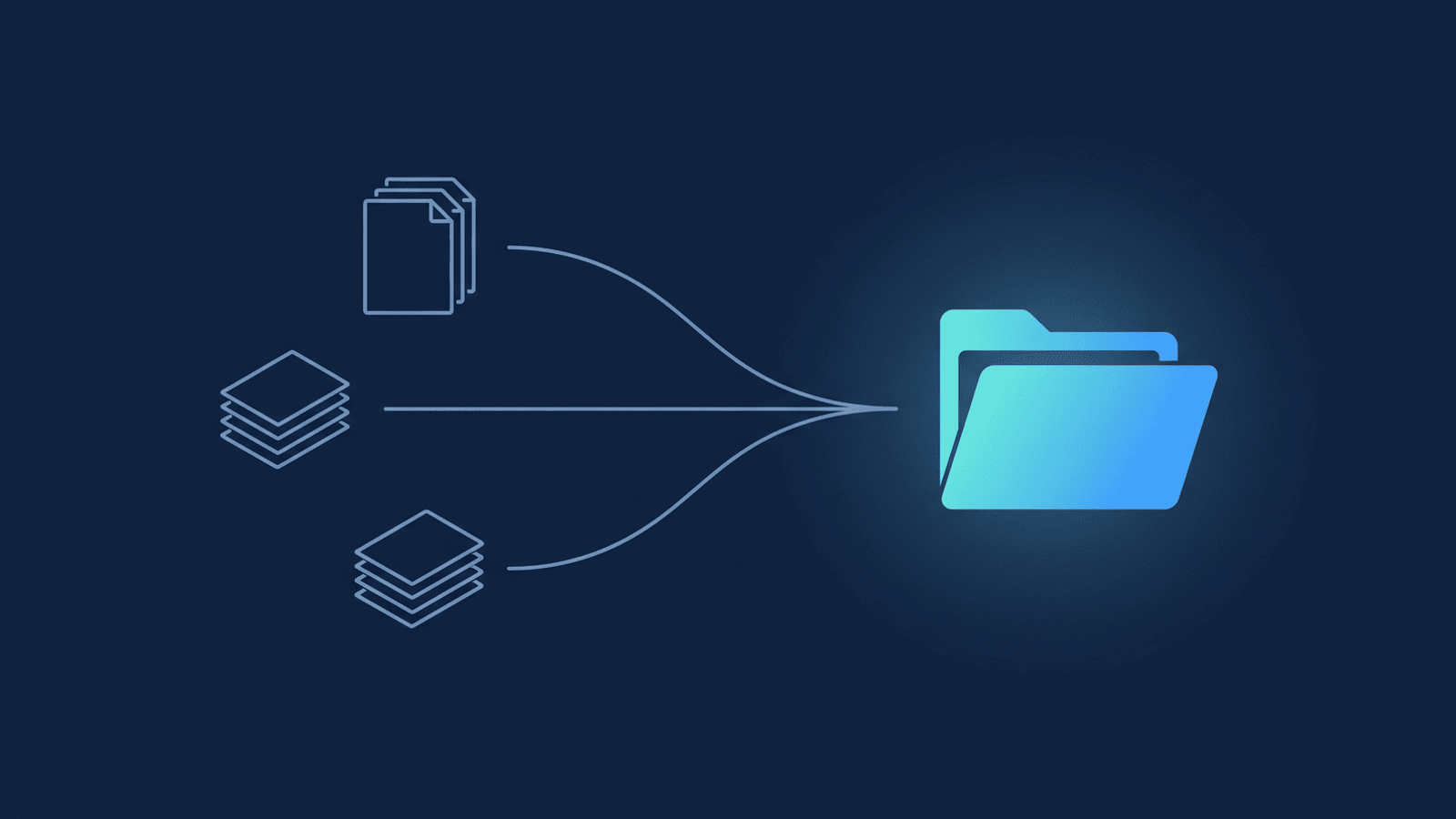
Save and Organize Your Sales Call Recordings Automatically
Sales calls are a business asset scattered across rep Zoom accounts. Here's how to land every deal call in one Google Drive folder, automatically.

Organize Your Client Recordings So You Can Find the Right One in Five Seconds
A folder system for Zoom recordings in Google Drive: name meetings by client, use shortcuts instead of moving files, and find any past session in seconds.
Let Your Clients See How Far They've Come
A month-one recording is proof of progress clients can't argue with. Replaying early sessions turns invisible growth into an honest renewal conversation.

Save Your Online Course & Cohort Recordings to Google Drive
Automatically back up every live class in your online course or cohort to Google Drive — one organized library your students can find, no manual uploads.
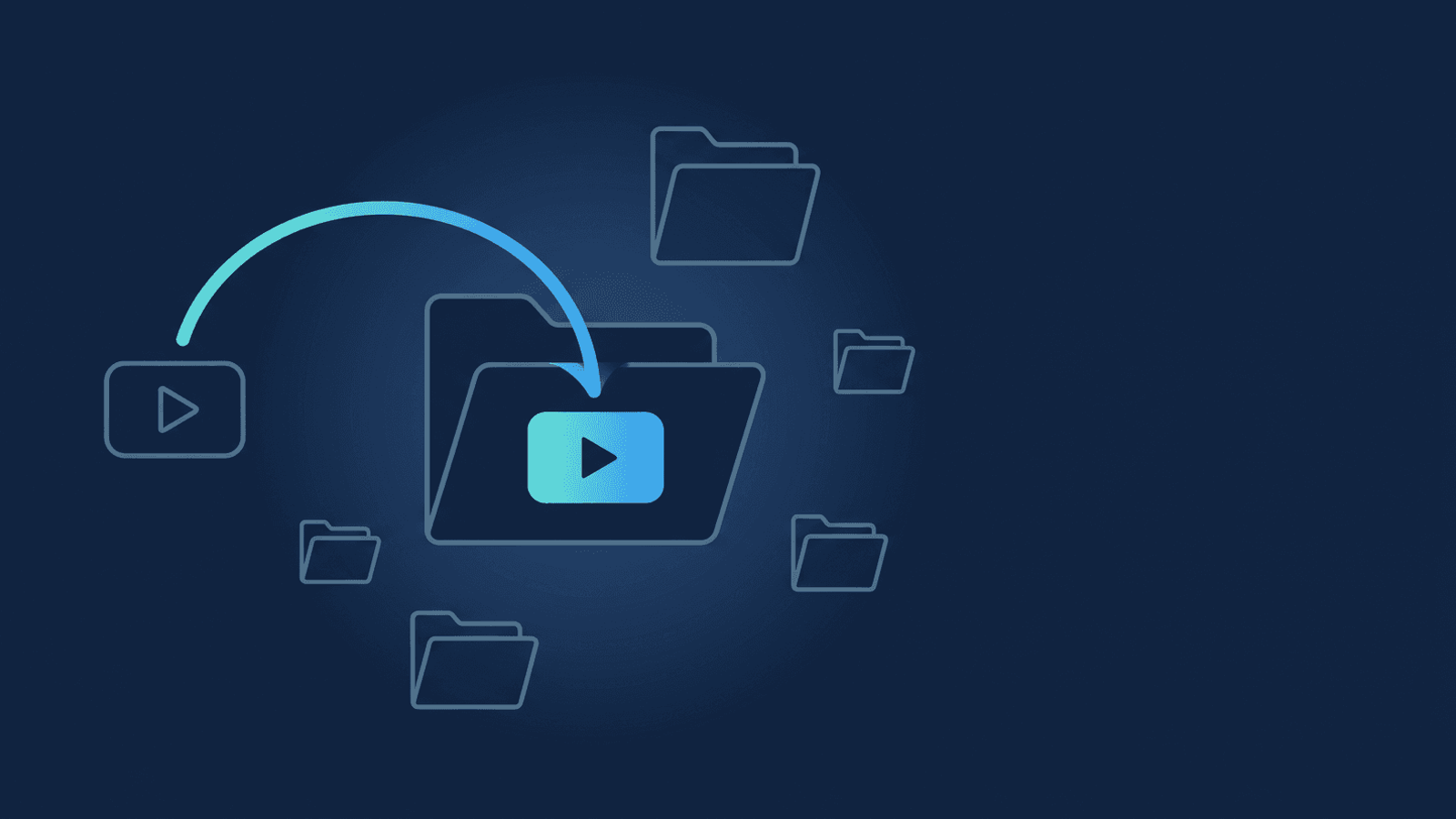
Save Your Online Tutoring Session Recordings to Google Drive
Automatically back up every online tutoring session to Google Drive — per-student folders, no manual uploads, no Zoom account needed to watch a replay.

The Replay Is Where the Coaching Sticks
A breakthrough fades within a day unless it's reinforced. Here's why re-watching the session — not just attending it — is what makes it stick.

Watch Yourself Coach: Reviewing Your Own Recordings to Get Better
Reviewing your own coaching sessions — talk ratio, question quality, the silences you rushed past — is the fastest way to sharpen your craft.
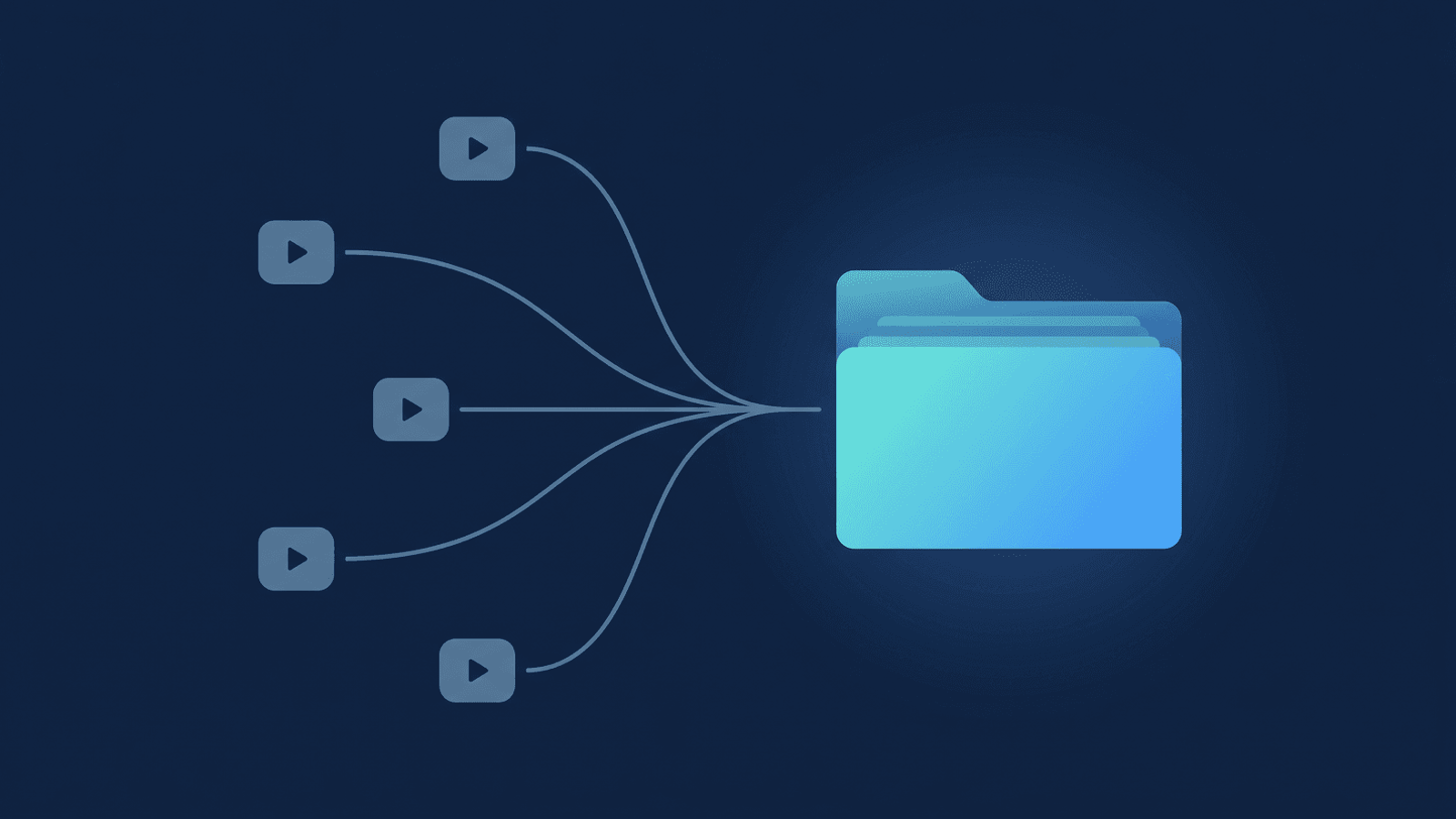
Group Program Replays Without the Access Headache
Group coaching replays don't scale one link at a time. The cohort-folder model: one shared folder, access tied to your paid list, revoked when the program ends.

Hand Off a Recording Like a Deliverable, Not a File Dump
Turn a bare recording link into a coaching deliverable: tidy folder, consistent naming, transcript Doc, and a short note that makes each handoff feel premium.
How to Ask a Client for Permission to Record (Without Making It Weird)
Asking permission to record feels awkward until you reframe it as a gift. Practical scripts for intake forms, onboarding calls, and first sessions.
Your Client Recordings Are Your Deliverable. Stop Losing Them.
Zoom cloud recordings expire and vanish during your busiest weeks. Here's how to make every session backup automatic — so no recording is ever missing.
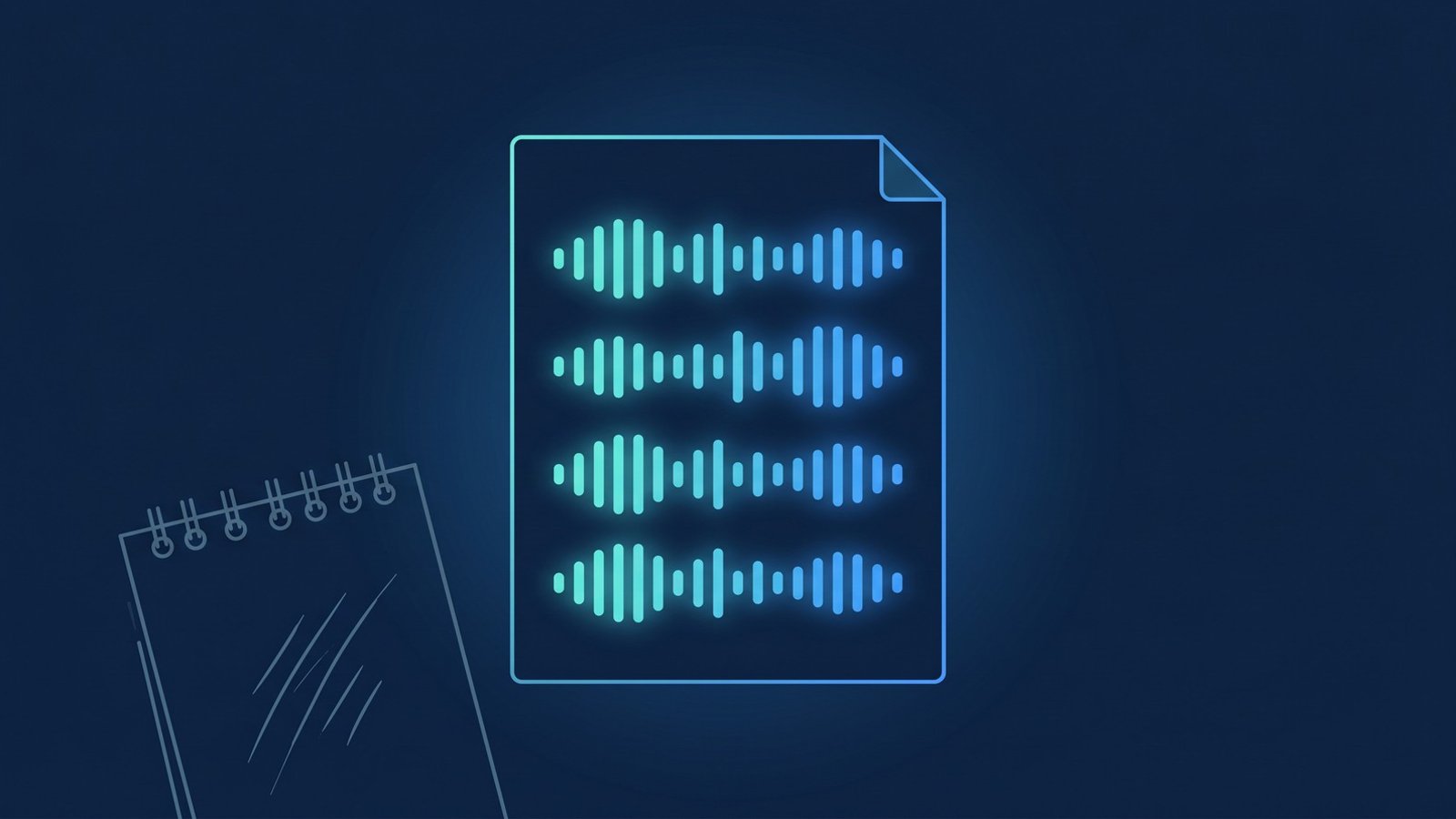
Stop Taking Notes in Your Coaching Sessions. Record Them Instead.
Should coaches take notes during sessions? Live note-taking splits attention on both sides. Here's why a Zoom recording does the job better.
Recordings as a Premium Coaching Deliverable: The Artifact That Justifies a Higher Rate
Bundling session recordings and a clean transcript into your coaching offer gives clients something tangible — and supports a higher rate without discounting.

Give the Recording to Your Client. Here's What They'll Actually Do With It
Giving clients their session recording turns a paid call into an asset they'll reuse. What to do with a coaching recording, and how to share one safely.
Recording Coaching Sessions for ICF Credentialing
ICF credentialing can require a recorded coaching session and a verbatim transcript. Here's what ICF asks for and how to keep a qualifying session safe.