Recordings & AI
A Zoom recording is raw material for far more than replay. These guides show how to turn recordings and their transcripts into AI-ready assets — a clean Google Doc transcript, or a Gemini Notebook (formerly NotebookLM) and Gemini workflow — all working from the copies RecordFlow archives to your Google Drive.

Turn Your Zoom Transcript Into a Google Doc Your AI Tools Can Read
Zoom hands you a raw .vtt caption file. Here's how to turn Zoom transcripts into clean Google Docs that Gemini Notebook, Gemini, and other AI tools can read.

Someone Asked You to Send a .vtt File. Here's What That Is.
Someone asked for the .vtt from your Zoom recording and you have no idea what that is. Here's what it is, where to find it, and vtt vs srt.
Turn Zoom Lecture Recordings Into NotebookLM Study Guides
Zoom hands students a raw .vtt file. Here's how to turn a lecture recording into a clean Google Doc transcript and a Gemini Notebook (NotebookLM) study guide.
How to Convert a Zoom Transcript to a Word Document
Zoom hands you a raw .vtt caption file, not a document. Here is how to turn a Zoom transcript into a clean Word file, by hand or automatically with RecordFlow.
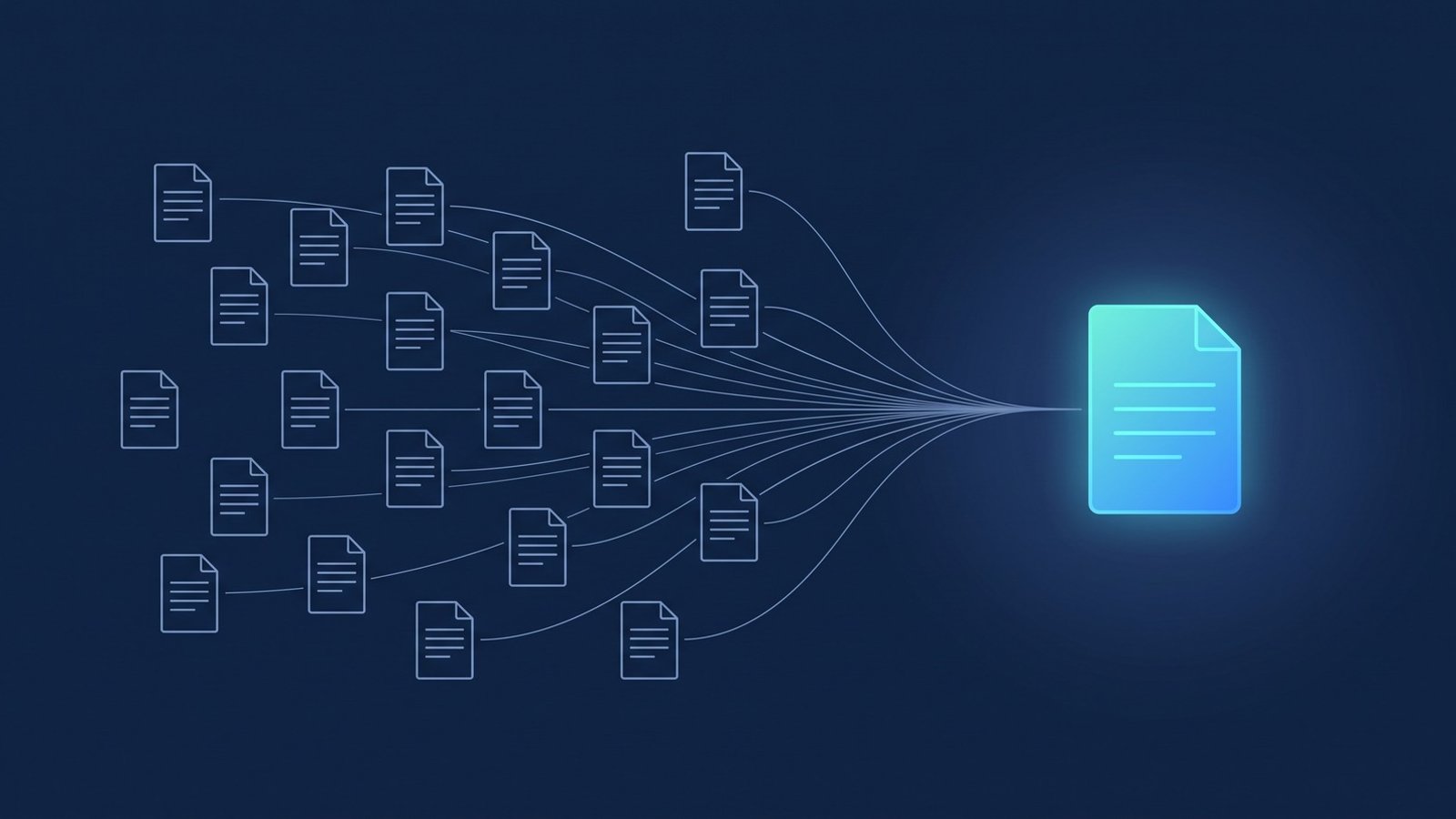
Turn a Folder of Zoom Recordings Into an AI Knowledge Base
One Zoom transcript is a document. A folder of them in Google Drive is a knowledge base Gemini Notebook can query across every session at once.
Put Your Zoom Recordings to Work in Google Docs, Gemini Notebook, and Vids
Zoom recordings do nothing for you sitting in Zoom Cloud. Once they're in Google Drive, Docs, Gemini Notebook, and Vids can all reach them. Here's how.