An hour after a session ends, Coach A sends: "Here's your recording: zoom.us/rec/play/…"
Coach B sends: "Your recording and transcript from today are in your folder — link below. What I'm sitting with from our conversation: [one sentence]. See you in two weeks." The link goes to a Drive folder labeled with the client's name and the session date. Inside: the video, the audio-only file, and a Google Doc transcript the client can search.
Same session length. Same Zoom account. Only one of those coaches delivered a deliverable.
Why the packaging matters
A bare recording URL carries no signal about how you organize your practice. It says: I pressed Save, here's the file. The client has to figure out where it goes, how it relates to their other sessions, whether the link will still work in six months.
A consistent handoff — a named folder, predictable structure, the transcript already there — says something different. It says the session happened inside a system you built, that their material is organized and permanent, that you thought about what happens after the call ends. That's not cosmetic. It's the same logic that makes session recordings a credible premium deliverable: the artifact is more valuable when it's packaged like one.
The delivery moment is also the last touchpoint before the client decides whether to book the next session. A small ritual around it compounds into reputation.
How to send coaching recordings to clients: four elements
Most coaches improvise the handoff each time — which means it's inconsistent. It goes well when the week is calm and gets skipped or rushed when it isn't. The fix isn't more effort; it's a system small enough to complete in under two minutes, every session.
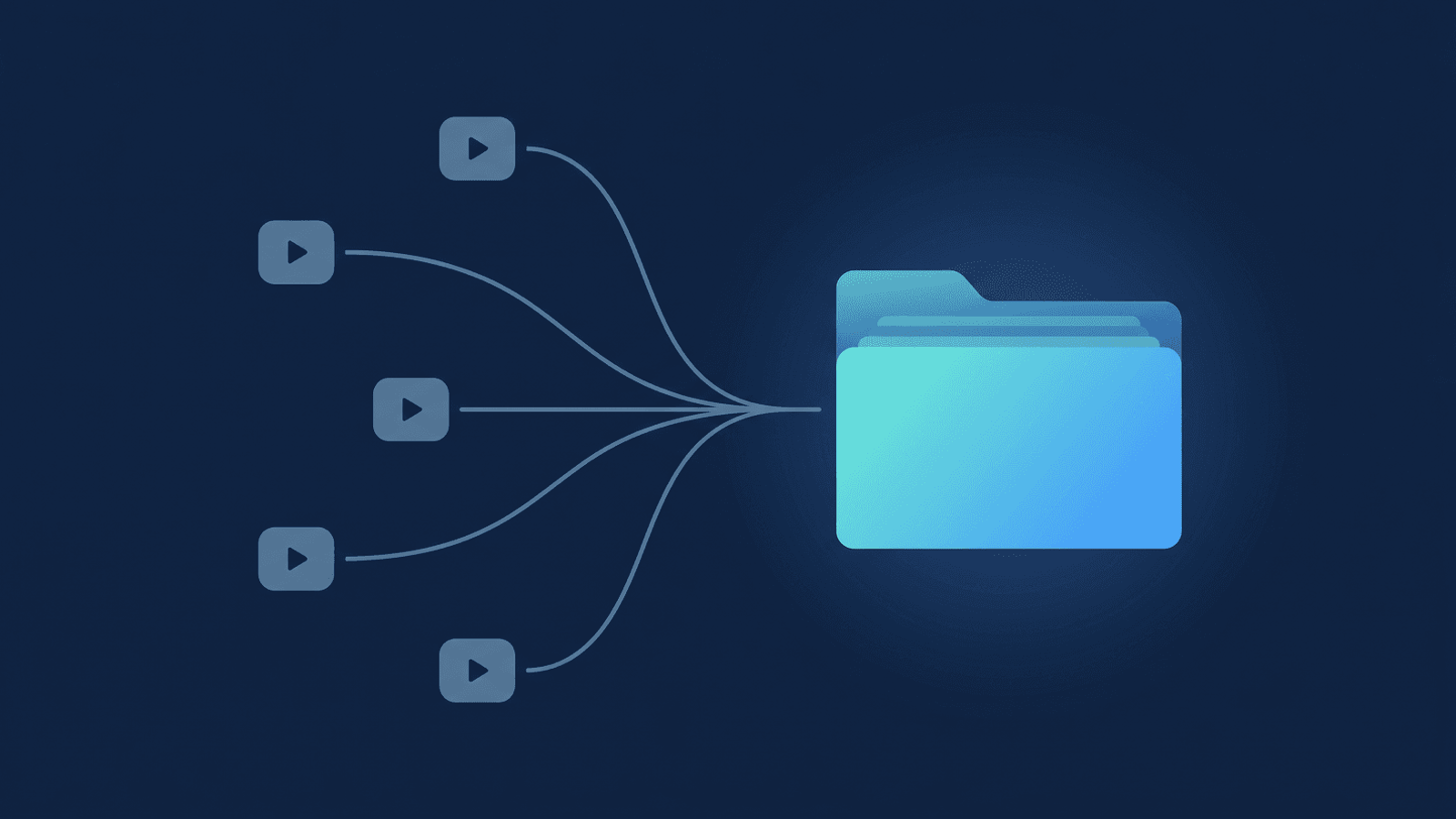
A per-client folder. Give each client one Drive folder that grows over the engagement — Coaching/Clients/Jane Smith/, or however your practice is organized. Every session subfolder goes inside it. When you share the link, the client sees every session in one place, in order. Google Drive's sharing model lets you give one person access to one specific folder without exposing anything else in your Drive.
Consistent session naming. Pick a pattern and keep it. 2026-06-29 — Session 4 or 2026-06-29 Jane Smith — anything with a date and a logical sequence. The format doesn't matter; the consistency does. A client who wants to find a specific session from eight months ago should be able to do it in five seconds.
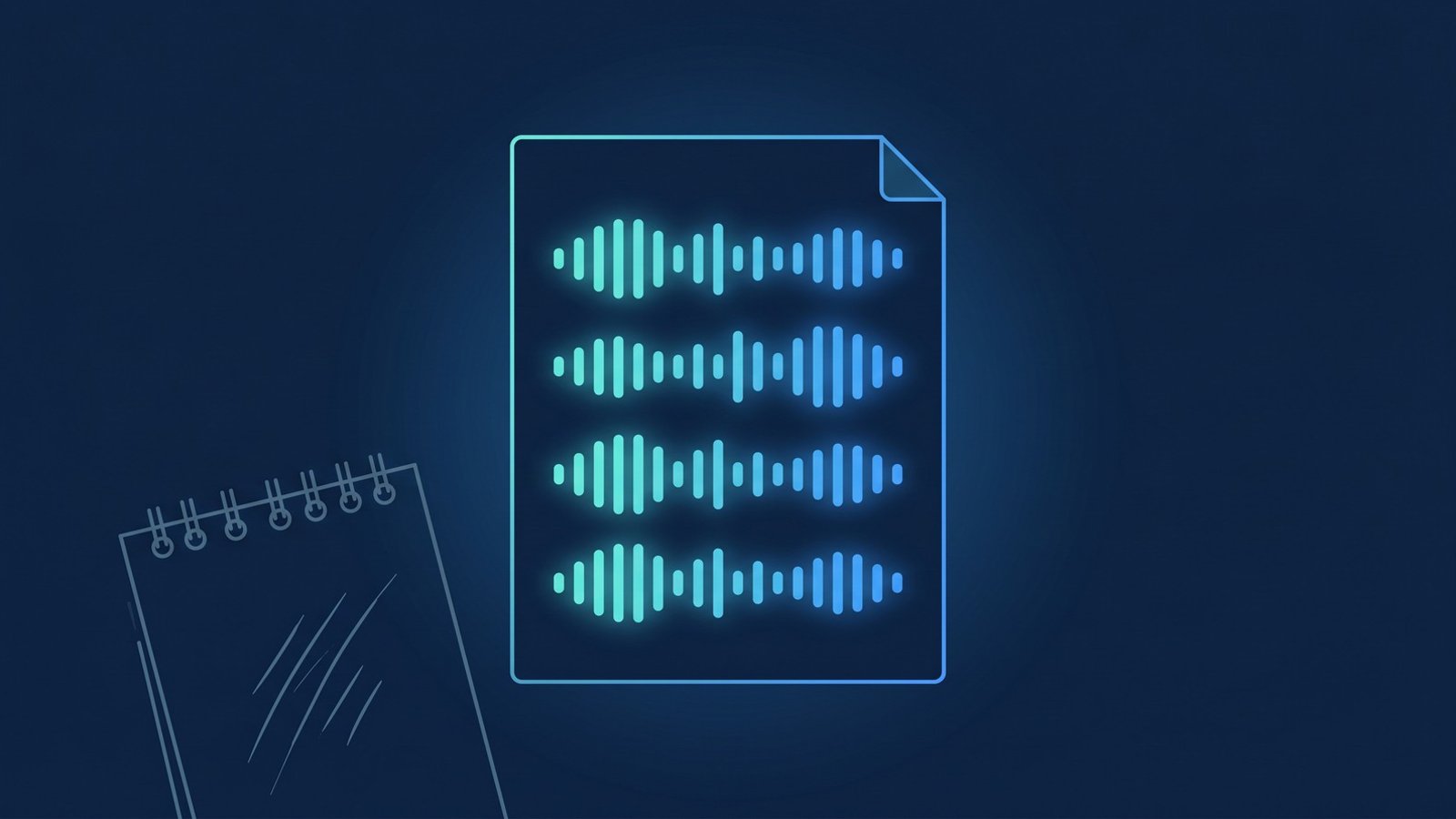
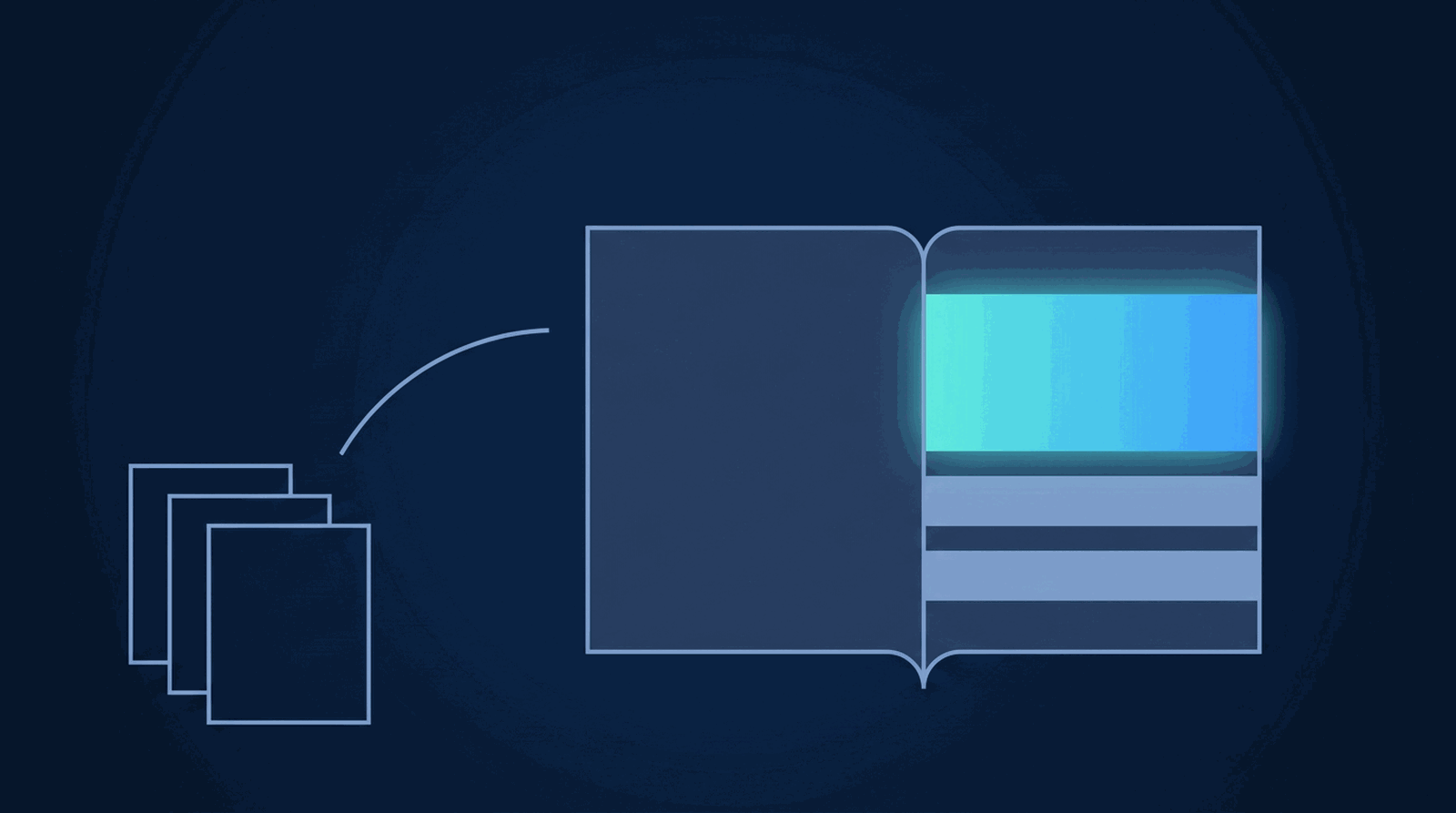
The transcript Doc. Most clients won't re-watch an hour of video to find the three minutes that mattered. A searchable transcript — with timestamped paragraphs and each speaker named — means they can find the exact moment without scrubbing. Include it alongside the video file. Clients who wouldn't sit through forty minutes of video will search a Doc for "accountability" or "next steps" and find it in ten seconds. It turns the recording from proof that the session happened into a document the client can actually use.
The two-line note. Not a newsletter, not a session recap. Just: where the materials are, and the one thing you want the client to carry into the next few days. Something like: "Your recording and transcript are in the link below. What we committed to this week: [one sentence]." Under thirty words. The note is what makes the handoff feel personal rather than automated — even when the filing was automated.
How RecordFlow handles the parts you'd have to do manually
RecordFlow handles the infrastructure in 60 seconds of setup. Connect your Zoom account to a Drive folder once and every cloud recording transfers automatically the moment Zoom finishes processing: the video, the audio-only track, the chat log, and a clean Google Doc transcript — the raw caption file reformatted into timestamped paragraphs with each speaker named — deposited into a dated subfolder inside the folder you chose. The files move directly from Zoom to your Drive; RecordFlow doesn't hold a copy on its own servers, which matters when sessions are confidential. (The full setup walkthrough is in the guide on backing up Zoom recordings to Drive.)
Without automation, every step of the handoff is yours to remember and execute: download the recording from Zoom while it's still available (cloud recordings pile up against your plan's storage limit and can disappear once it fills), create the dated subfolder in the right client folder, upload the video and audio files, track down the caption file, reformat it into a readable document. That's ten to fifteen minutes per session — and it's exactly the kind of task that quietly stops happening during a busy week.
What that leaves for you: the two-line note and the share. The folder already exists. The transcript is already there. The share is three clicks: right-click the session subfolder → Share → "Anyone with the link can view" → copy URL → paste into your reply. If a client doesn't have a Zoom account and your Zoom share link asks them to sign in, a Drive link is the fix — the guide on sharing without a Zoom account covers that in full.
The folder structure, the naming, the transcript alongside the video — all of it happens automatically, every time. The polished handoff is mostly already done before you open your email.
Build the handoff system once. Deliver it every session.
Connect Zoom and Google Drive in 60 seconds. Every recording lands in a dated folder — video, audio, and a clean transcript Doc — ready to share before you've written the note. Free up to 50 recordings/month — no credit card.