You just finished a 1:1 Zoom session, the client asked for the recording, and YouTube is sitting right there — free, familiar, and it already knows how to host a video. Set it to "Private," share the link, done in two minutes — except "Private" on YouTube doesn't mean what you'd assume, and for a confidential coaching or therapy session, that gap matters. The reasons come straight from YouTube's own policies, not speculation.
What "Private" on YouTube actually means
Three things are true about a YouTube upload that most people don't check before relying on one:
The Terms of Service license doesn't carve out private uploads. When you upload to YouTube, you grant YouTube "a worldwide, non-exclusive, royalty-free, sublicensable and transferable license to use that Content (including to reproduce, distribute, prepare derivative works, display and perform it)" in connection with the service and YouTube's business — and that grant applies to whatever you "provide to the Service," full stop, with no separate clause for Private or Unlisted visibility. That's a platform-wide license, not a hosting arrangement, and it's the same license whether the video is public or seen by nobody but you. After you delete a video, YouTube's terms say the license continues for "a commercially reasonable period of time," and YouTube "may retain, but not display, distribute, or perform, server copies" of removed videos — deletion isn't instant erasure. (YouTube Terms of Service)
Content ID scans videos at upload, not at "made public." YouTube's own explanation is direct: "When a video is uploaded to YouTube, it's automatically scanned by Content ID." That description is triggered by the upload itself, not by a separate "made public" step — YouTube's Content ID documentation simply doesn't carve out Private or Unlisted uploads as exempt, and creators routinely report Content ID matches on videos they never made public. A recording that includes a Spotify playlist in the background or a clip from a paid course can get matched by the rights holder's system before you've decided who, if anyone, gets to see it. (How Content ID works)
Your file doesn't stay your file. "YouTube always re-encodes videos to optimize their playback quality," regardless of what you upload — meaning the file you sent isn't the file that gets served back. If a client ever needs the original video — for a records request, a professional-body audit, or just to open it outside YouTube's player — what's sitting on YouTube isn't it. (Video and audio formatting specifications)
There's a fourth data point worth knowing even if you'd never touch the YouTube API yourself: Google's own developer policy defaults new integrations to the same caution. "All videos uploaded via the videos.insert endpoint from unverified API projects created after 28 July 2020 will be restricted to private viewing mode" until that integration passes a compliance audit. (YouTube Data API — Videos: insert) Even Google, building automation on top of its own platform, treats "private by default until verified" as the safe posture. That instinct is worth borrowing for anything that touches a client's confidential recording.
The straight answer
None of this makes YouTube unsafe to use — it makes YouTube the wrong tool for one specific job. The line that matters isn't "public vs. private," it's what the recording is for:
- Publish on YouTube: a course trailer, a marketing testimonial, a public workshop replay, anything you'd be comfortable seeing resurface somewhere unexpected years later.
- Keep out of YouTube entirely: a confidential 1:1 coaching or therapy session, anything covered by a professional confidentiality obligation, anything a client shared expecting it to stay between the two of you.
Consent to record a session and consent to publish it are two different permissions, and a client who agreed to be recorded for their own reference didn't agree to have that recording live on a platform with a standing content license and automated scanning. The safer default for confidential work is storage you control outright — a Google Drive folder shared only with that client — where the file that lands there is the exact file you uploaded, nobody else's license touches it, and access is a permission you can revoke, not a platform setting you're trusting to hold.
Where RecordFlow fits
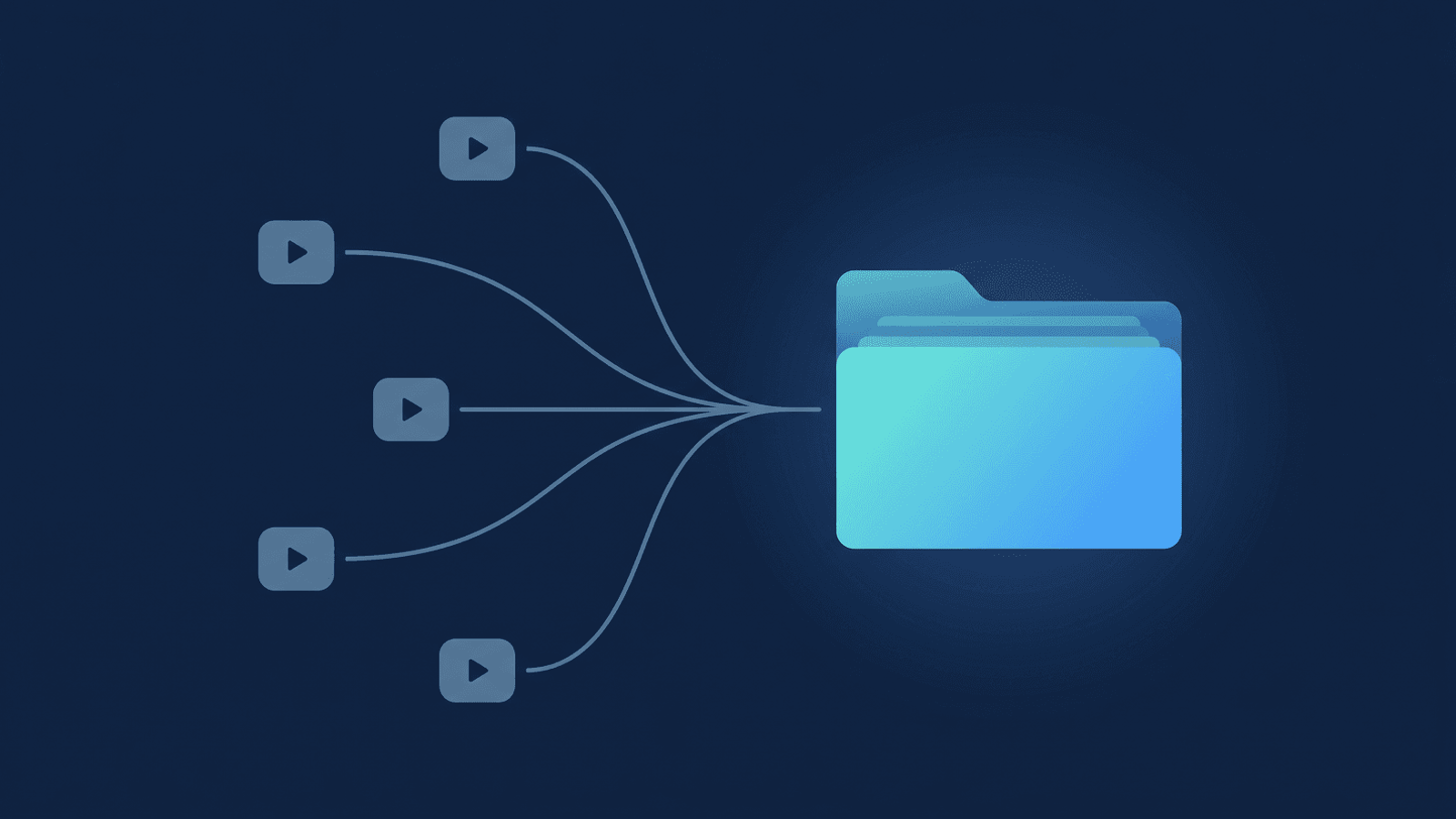
RecordFlow's job is the other half of this decision: making "storage you control" the easy option instead of the extra step. Connect your Zoom account to a Google Drive folder once, and every cloud recording — video, audio-only track, chat log, and a clean transcript Doc — lands in a dated subfolder automatically, the moment Zoom finishes processing. The files move directly from Zoom to your Drive; RecordFlow doesn't hold a copy on its own servers. Sharing a session with one client afterward is the same three clicks as any Drive file: right-click the folder → Share → "Anyone with the link can view" → copy URL — the same consent-aware handoff described for coaching deliverables applies here, whether or not you ever put a single frame on YouTube.
Keep confidential sessions in storage you control.
Connect Zoom to Google Drive in 60 seconds. Every recording — video, audio, and a clean transcript — lands in a dated folder you control and share with just your client. Free up to 50 recordings/month — no credit card.