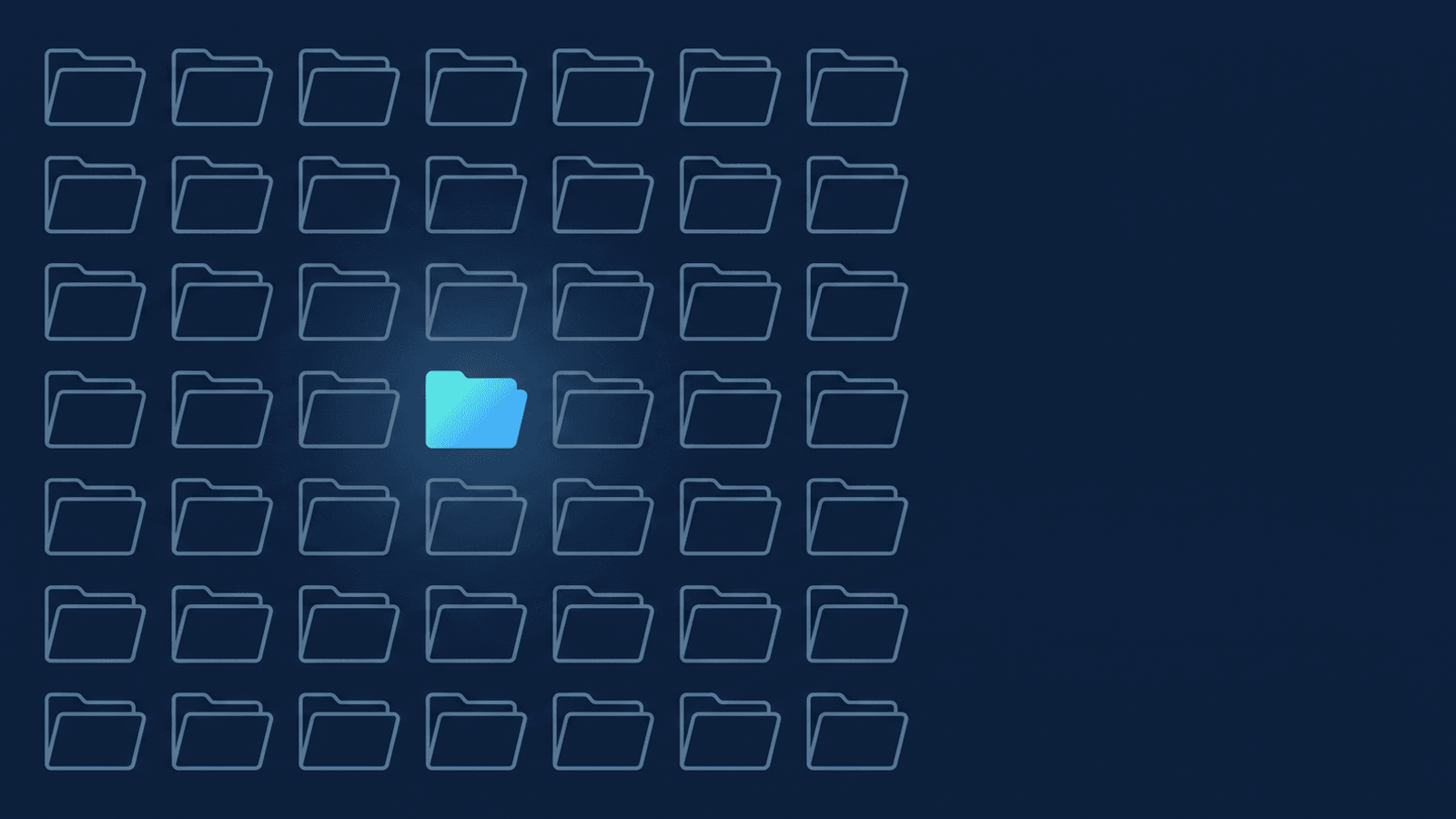
A client emails between sessions: "Can you send me Thursday's video? I want to check I'm doing the exercise right before I do it again tonight." You go looking. Maybe the recording already aged out under a retention setting you configured months ago and forgot about. Maybe it's sitting in a folder of forty files Zoom named "Zoom Meeting" and a date, with nothing to say which one was theirs. Either way, you're now explaining why the thing they actually need — not a memory of the session, the session itself — isn't there.
What's actually happening
In a lot of coaching relationships, a recording is a nice-to-have. In physical therapy, fitness coaching, and wellness/movement work, it's closer to load-bearing. A client doing home exercises between PT visits needs to check they're loading the joint the way you showed them, not the way they remember it three days later. A fitness client repeating a lift on their own wants to see their form next to yours, not guess. A wellness or movement client working through a multi-week protocol needs the actual sequence you walked them through, in order, not a paraphrase. The session isn't a record of work that already happened — it's a reference the client goes back to while doing the work.
That only holds up if two things are true: the recording still exists when they go looking for it, and they can actually find the right one. Zoom's cloud storage isn't built for either. Most paid plans pool a limited amount of storage across the whole account (full breakdown by plan), and account owners can turn on an automatic deletion setting that clears recordings after a set number of days — useful for housekeeping, quietly disastrous if a client's home-exercise reference disappears mid-program because someone (possibly a past you) turned it on and moved on. And a multi-week program generates a recording every session, all landing in the same undifferentiated pile unless the meeting titles say whose program they belong to.
Naming and finding sessions, program by program
Two habits do most of the work, and neither requires reorganizing anything after the fact:
- Put the client or program in the Zoom meeting title, not just the date — with a slash if you want it grouped automatically.
J. Torres — Knee Rehab Wk 4already carries information a generic "Zoom Meeting" title doesn't, and that alone makes the recording easier to find later. Title itJ. Torres — Knee Rehab/Week 4instead — program name, then a slash, then the session — and it also sets you up for RecordFlow's grouping-by-series setting (below) to collect every session into one shared folder automatically, if and when you turn it on. Either way, fix the title once, at the point you schedule the session, and every later step inherits a name you can actually search. - Get consent before you record, every time — and say plainly what you'll do with it. This matters everywhere coaching happens over video, and it matters more here: a health, fitness, or wellness session can surface exactly the kind of personal detail a client wouldn't want circulating without their say-so. Ask up front, in plain language, and keep that consent current if what you do with the recording changes. (The consent walkthrough covers how to ask without making it feel like a legal formality.) To be direct about what this post is not claiming: it isn't a compliance guide, and RecordFlow doesn't offer or claim any particular health-data compliance standard. If your practice is subject to one, that review is yours to run — this is about the recording surviving long enough to be useful and being easy to find, nothing more.
If you're running the same multi-week program with a rotating or recurring cohort, the folder-organizing post for coaching recordings covers building a per-client view without moving anything RecordFlow already filed for you.
How RecordFlow fits
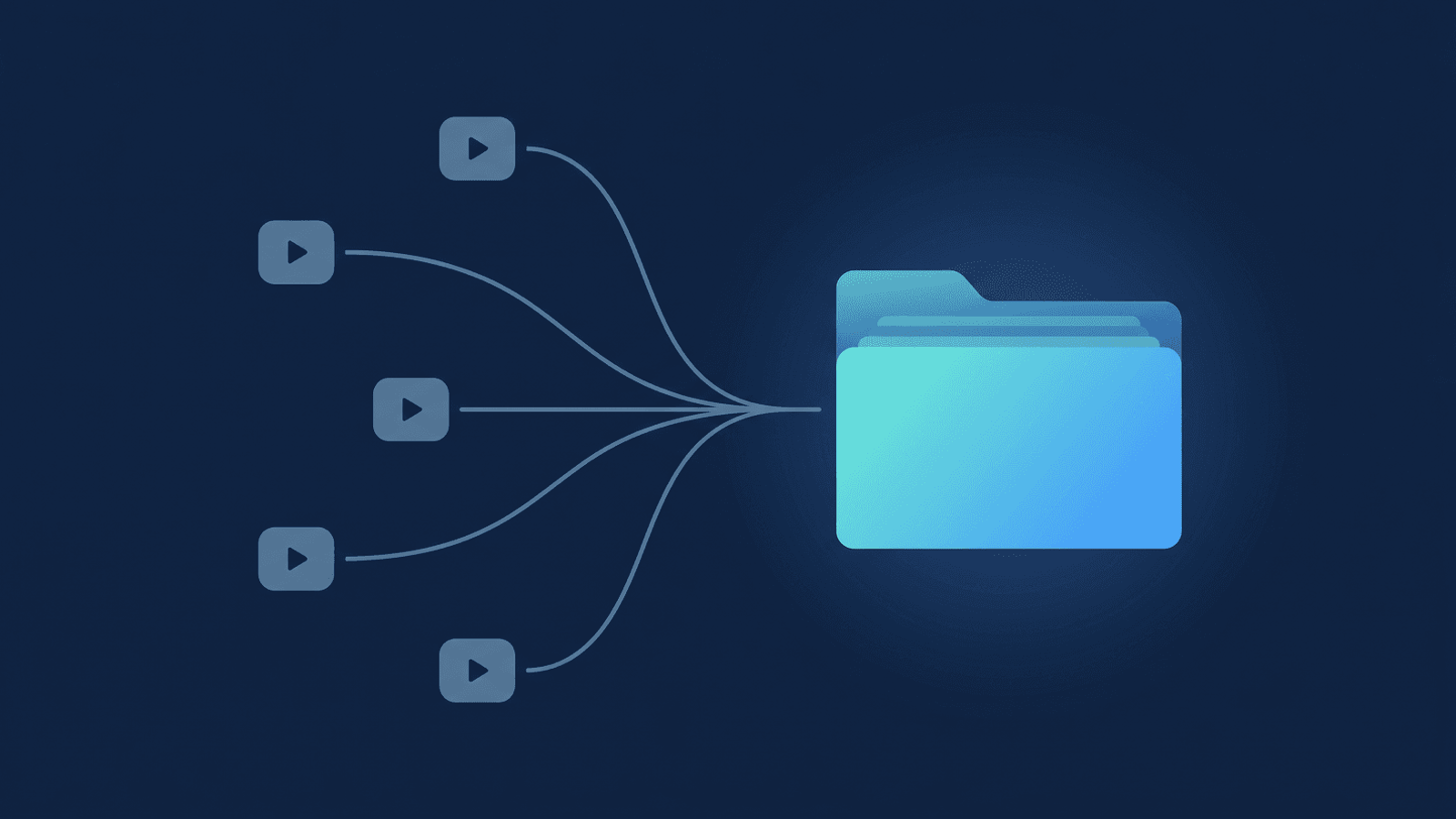
RecordFlow connects to Zoom and Google Drive once — a roughly 60-second setup — and from then on, the moment a Zoom cloud recording finishes processing, it copies the video, the audio-only file, the chat log, and the transcript into a Drive folder you own, named with the date and the session's title, grouped by year. Nothing to download by hand before a retention clock runs out, and nothing sitting on RecordFlow's own servers in between — the files move straight from Zoom to the Drive you control. (The setup walkthrough covers connecting it if you haven't yet.)
The transcript matters here too, past what a video alone gives you. Alongside the raw caption file, RecordFlow uploads a clean, speaker-labeled Google Doc transcript — so if a client asks "what did you say the rep count was for that one," the answer is a text search, not scrubbing through a video seeking bar looking for a moment you half-remember.
None of this requires a new workflow — it requires the meeting title to say whose program it is, consent to be asked before the call starts, and an archive that copies the recording somewhere durable before Zoom's own clock gets to it. Get those three right and the video is there the next time a client needs to check their form instead of guessing.
Keep every session findable, program by program.
Connect Zoom and Google Drive once. Every recorded session lands in a folder you own — video, audio, and a searchable transcript Doc — before Zoom's retention clock ever gets a vote. Free during beta.