Monday morning, after Friday's group call, your inbox has five variations on the same message: "Sorry I missed it — could I get the replay?" You dig up the recording, attach or link it, and reply to each one individually. Next week, a different five people ask. The program runs twelve weeks. You do the math and realize you've become a part-time file clerk for your own course.
That's the group-program version of a problem 1:1 coaches don't have: you can't just send the recording to the whole cohort once and be done — replay access isn't a one-time handoff, it's a recurring operational job with a growing recipient list. Run the math on the hook above: five replies a week, twelve weeks, even two minutes apiece to find the file and write the message — that's two hours spent re-sending the same recording, every time you run the cohort.
What's actually happening
A 1:1 coaching recording has one recipient. A group program or course multiplies that: every session needs to reach everyone who's paid, not just the people who showed up live, and the roster shifts as people join a cohort late, finish early, or roll off when the program ends — course replay access has to track that shifting roster, not a fixed guest list from week one. Handled by hand, that's a link re-sent to a growing list of email addresses, every week, with no single place a participant can go to catch up on a session from three weeks ago.
Zoom's own sharing model confirms this: a cloud recording gets one share link generated for a specific set of viewers, and a new link is generated whenever that set changes — there's no concept of "everyone currently enrolled" that updates itself as a roster changes. That's a job for wherever you're already keeping the files: a shared folder.
The cohort-folder model: how to share group coaching replays
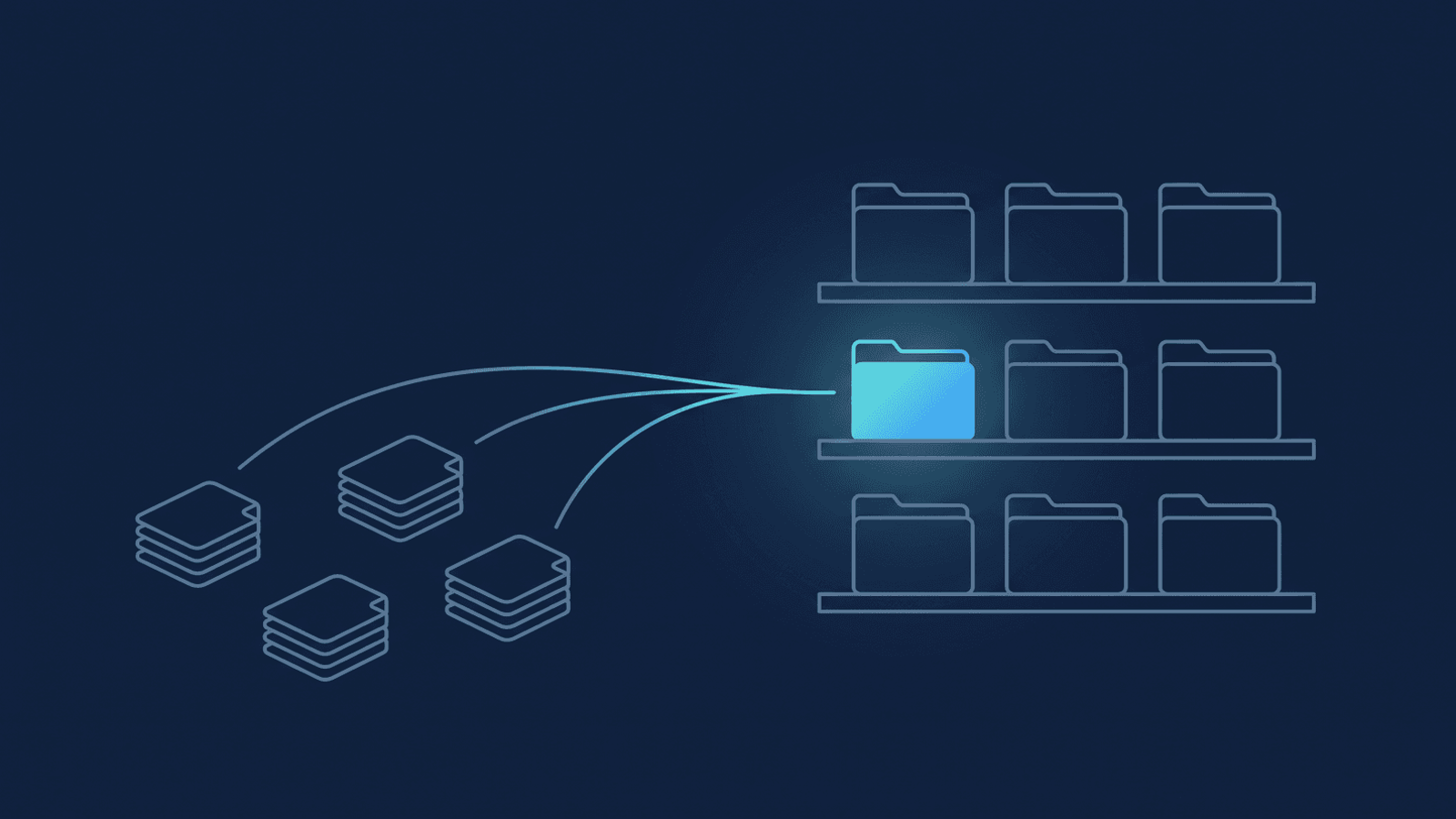
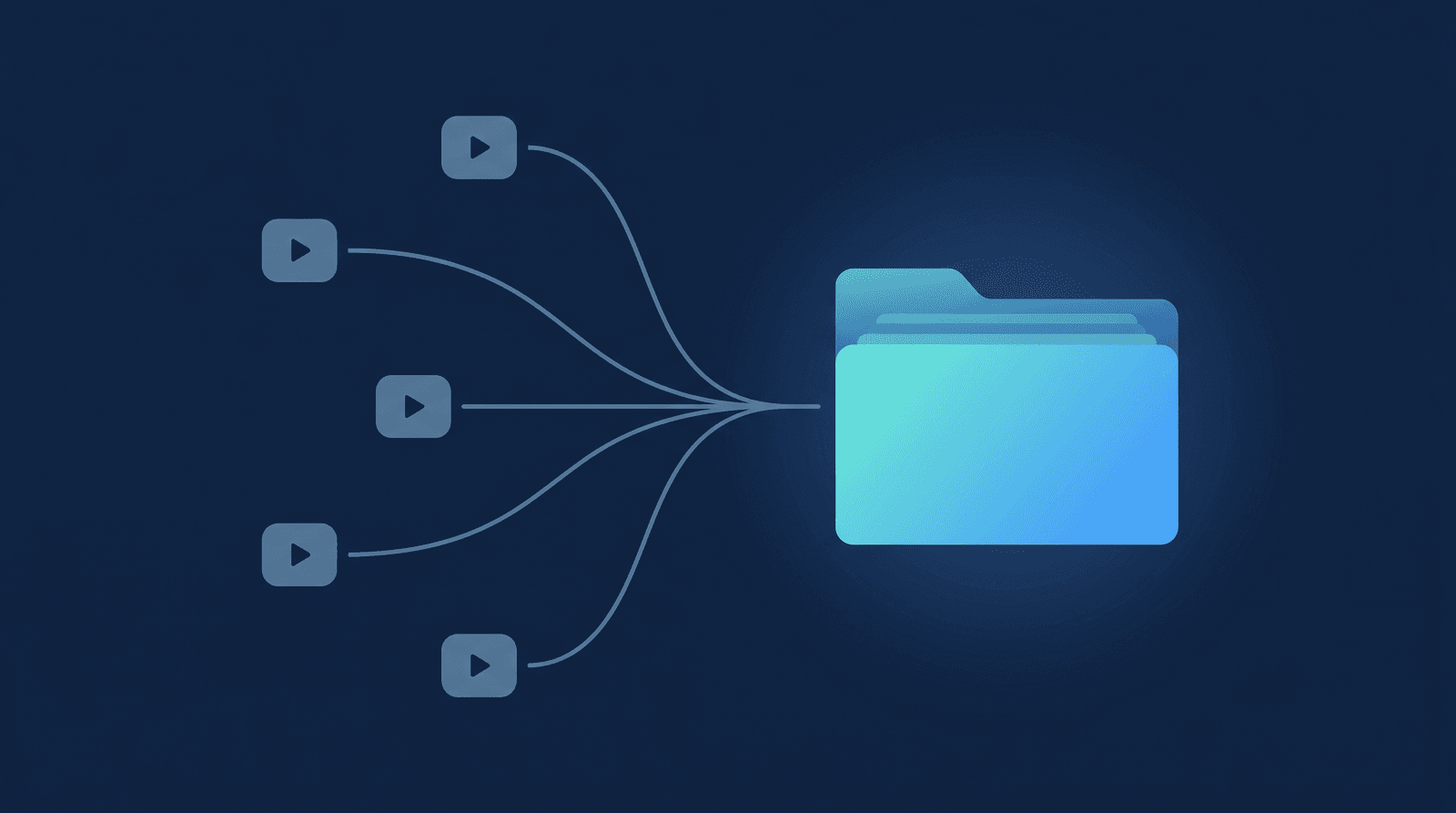
The fix is to stop sharing recordings and start sharing a folder — one per cohort, set up once, not one link per session.
One folder per cohort, not per session. Create a single Drive folder for the program — Group Coaching/Spring Cohort 2026/, or however you organize it — and let each week's session land inside it as its own dated subfolder. Point participants at the parent folder once, at kickoff, and every future session is already visible to them without another email.
Access bound to the paid list, not a public link. Google Drive's sharing settings let you add a specific list of email addresses to a folder with Viewer permission — up to 600 people on one file or folder — instead of turning on "Anyone with the link can view." That distinction matters for a cohort: adding people individually means access maps to who's actually enrolled, and removing one person's access affects only them — the rest of the cohort keeps working.
Consistent naming so weeks don't get lost. Week 1 — 2026-06-01, Week 2 — 2026-06-08, and so on. A participant who missed weeks 3 and 7 should be able to find both in the time it takes to scroll, not search.
Expiry when the program closes. On most Google Workspace plans, you can set an expiration date on a person's access to the cohort folder, so it lapses automatically instead of quietly outliving the program by a year (a handful of cheaper Workspace editions and personal @gmail.com accounts don't offer this — for those, put "revoke cohort access" on your own program-close checklist next to the other wrap-up tasks).
The transcript, for people who'd rather search than watch. A 90-minute group call is a big ask to re-watch for one specific answer. A searchable transcript alongside the video lets a participant Ctrl-F for the topic they missed instead of scrubbing through the recording.
How RecordFlow fits
RecordFlow doesn't manage your roster or gate access by cohort — that access-control layer above is still yours to run in Drive, and it's genuinely worth the ten minutes it takes to set up once per program. What it removes is the manual step underneath it. Connect your Zoom account to a Drive folder once — about 60 seconds — and every group call lands there automatically the moment Zoom finishes processing: video, audio, chat log, and a clean Google Doc transcript reformatted into timestamped, speaker-labeled paragraphs instead of a raw caption file. The files move straight from Zoom to your Drive; RecordFlow never keeps a copy of the recording on its own servers, which matters when a cohort's sessions are confidential.
Point RecordFlow at your cohort's parent folder and each week's session appears inside it as a new dated subfolder (grouped under a year folder, same as any other RecordFlow archive), ready for the sharing settings you already configured at kickoff — no downloading a file from Zoom and re-uploading it to Drive between the call ending and the replay being available. The same professional handoff habits from 1:1 coaching — consistent naming, the transcript alongside the video — carry over to a cohort folder just as well as a client folder.
Replay access for a group program shouldn't cost you more admin time than the session itself took to run. Set the folder and the access list up once at kickoff, and every week after that is just RecordFlow depositing a new subfolder where your cohort already knows to look.
Stop re-sending the same replay link every week.
Connect Zoom and Google Drive once. Every group session lands in your cohort's folder automatically — video, audio, and a clean transcript Doc — ready for the access list you already set up. Free during beta.